As IT budgets tighten and hardware refresh cycles grow longer, many organizations are asking a critical question: Do we really need to replace servers and storage just because OEM support has ended?
For a large number of enterprises, SMBs, and data centers, the answer is no—not immediately.
This is where Third Party Maintenance (TPM) becomes a powerful and practical strategy.
This blog explains what TPM is, how it helps extend the life of servers and storage, and how to use it safely and effectively without increasing operational risk.
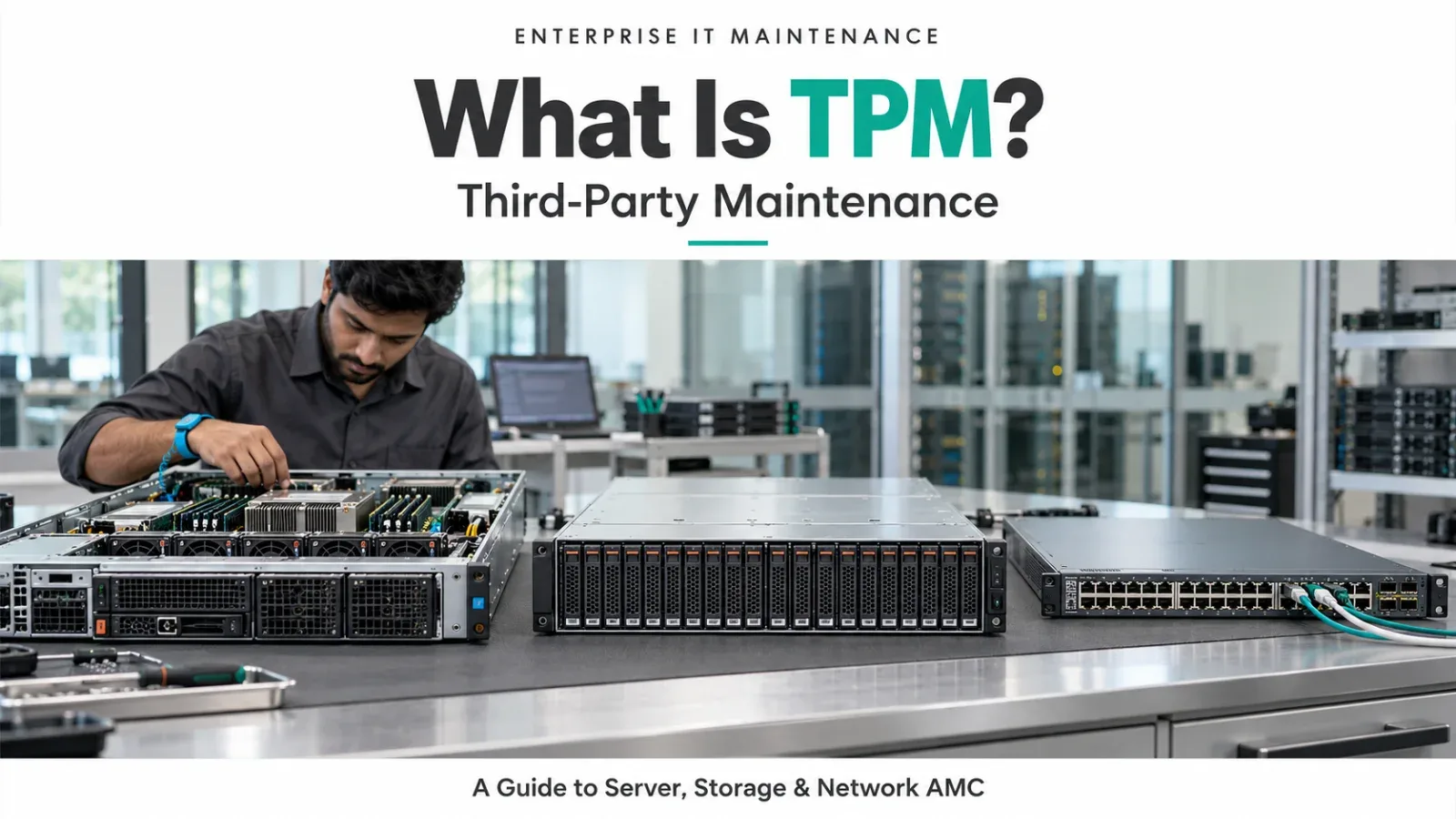
What Is Third Party Maintenance (TPM)?Third Party Maintenance (TPM) is a support model where a non-OEM provider delivers hardware maintenance, break/fix support, and spare replacement for out-of-warranty or EOL (End of Life) infrastructure.
Instead of renewing expensive OEM AMC contracts, organizations use TPM to:
- Maintain existing servers and storage
- Replace failed components
- Extend hardware lifecycle by multiple years
- Reduce maintenance cost significantly
TPM focuses on hardware availability and uptime, not forcing refresh cycles.
Why OEM Support Ends Before Hardware FailsOEMs design lifecycle policies around product sales, not actual hardware condition.
A server or storage system may become EOL because:
- A newer generation is released
- OEM wants to reduce SKU complexity
- Support contracts are no longer profitable
In reality, enterprise-grade hardware is often:
- Technically stable
- Underutilized
- Perfectly capable of running existing workloads
TPM exists to bridge this gap between OEM policy and real-world usability.
How TPM Extends Server LifecycleFor servers, TPM typically covers:
- Power supplies
- Hard drives / SSDs
- Memory (RDIMM / LRDIMM)
- RAID controllers
- Fans and system boards
With proper TPM:
- Failed parts are replaced quickly
- No dependency on OEM logistics
- Servers continue running without forced upgrade
This allows organizations to extend server life by 2–5 years, depending on workload and condition.
How TPM Extends Storage LifecycleStorage systems benefit even more from TPM because data migration is risky and expensive.
TPM support for storage includes:
- Disk replacement
- Controller replacement
- Cache and NVRAM support
- PSU and fan modules
- Onsite troubleshooting
Platforms from vendors like Dell Technologies, Hewlett Packard Enterprise, IBM, Cisco Systems, and NetApp are commonly extended under TPM after OEM EOL.
For recently EOL storage, TPM can safely extend lifecycle while organizations plan controlled migration instead of rushed replacement.
Cost Benefits of TPM (The Biggest Driver)TPM typically costs 40–70% less than OEM AMC.
This cost reduction allows organizations to:
- Free budget for modernization projects
- Delay CAPEX-heavy refreshes
- Invest in backups, DR, or security instead
Instead of paying high support fees for aging hardware, TPM turns maintenance into a predictable, lower OPEX model.
Where TPM Works BestTPM is most effective when:
- Workloads are stable
- Performance requirements are already met
- Hardware failure rate is still low
- OEM support cost is high
- EOL/EOS status is recent (not ancient)
Common use cases include:
- Virtualization clusters
- Backup repositories
- Archive and file storage
- DR and secondary data centers
- Branch or edge locations
It’s important to be realistic.
TPM does not provide:
- New firmware features
- Major software upgrades
- OEM roadmap alignment
- Application-level support
TPM keeps hardware running reliably, but it does not modernize it. That’s why TPM works best as a lifecycle extension strategy, not a permanent replacement for refresh.
Best Practices to Use TPM SafelyTo maximize value and minimize risk, follow these practices:
First, perform a health assessment before moving to TPM. Identify weak components and replace them proactively.
Second, keep critical spares available locally for high-impact systems.
Third, combine TPM with strong backup and DR. Hardware support alone is not enough.
Fourth, use TPM mainly for recently EOL platforms, not hardware that is already unstable.
Finally, define a clear exit plan. TPM should buy time—not delay decisions forever.
TPM + Modern Platforms: A Smart CombinationMany organizations combine TPM with:
- Open virtualization platforms
- HCI or private cloud setups
- Local AMC and managed services
This hybrid approach allows:
- Hardware lifecycle extension
- Reduced vendor lock-in
- Gradual modernization
- Better financial control
TPM is not anti-modernization—it enables smarter modernization.
Risks of Ignoring TPM (And Replacing Too Early)Replacing hardware too early can lead to:
- Unnecessary CAPEX
- Rushed migrations
- Increased project risk
- Underutilized new infrastructure
TPM gives organizations time and flexibility—two things often missing in forced refresh cycles.
Final ThoughtsThird Party Maintenance (TPM) is no longer a niche option. It is a strategic tool used by organizations that want to control cost, reduce risk, and extend the value of their infrastructure.
When used correctly, TPM:
- Extends server and storage life
- Reduces maintenance cost dramatically
- Avoids panic-driven upgrades
- Supports long-term infrastructure planning
The smartest IT strategies don’t ask “Is this hardware old?” They ask “Is this hardware still fit for purpose—and can we support it properly?”
With TPM, the answer is often yes.
Need help with this in your own setup?
Talk to a Servicing24 engineer. We’ll give you a plan and a clear price.