Key points
- An EOL label alone does not establish whether a server needs immediate replacement.
- Assess hardware health, failure history, workload performance, and software compatibility.
- Lifecycle extension requires suitable support, compatible spare parts, and acceptable security risk.
- Verify the manufacturer’s lifecycle milestones and actual support entitlement.
- Compare extension costs and risks with a planned replacement or migration.
In this article
- What Does EOL Really Mean?
- Why This Decision Matters
- When You SHOULD Replace EOL Servers
- When You SHOULD Extend EOL Server Lifecycle
- EOL Servers: Replace vs Extend
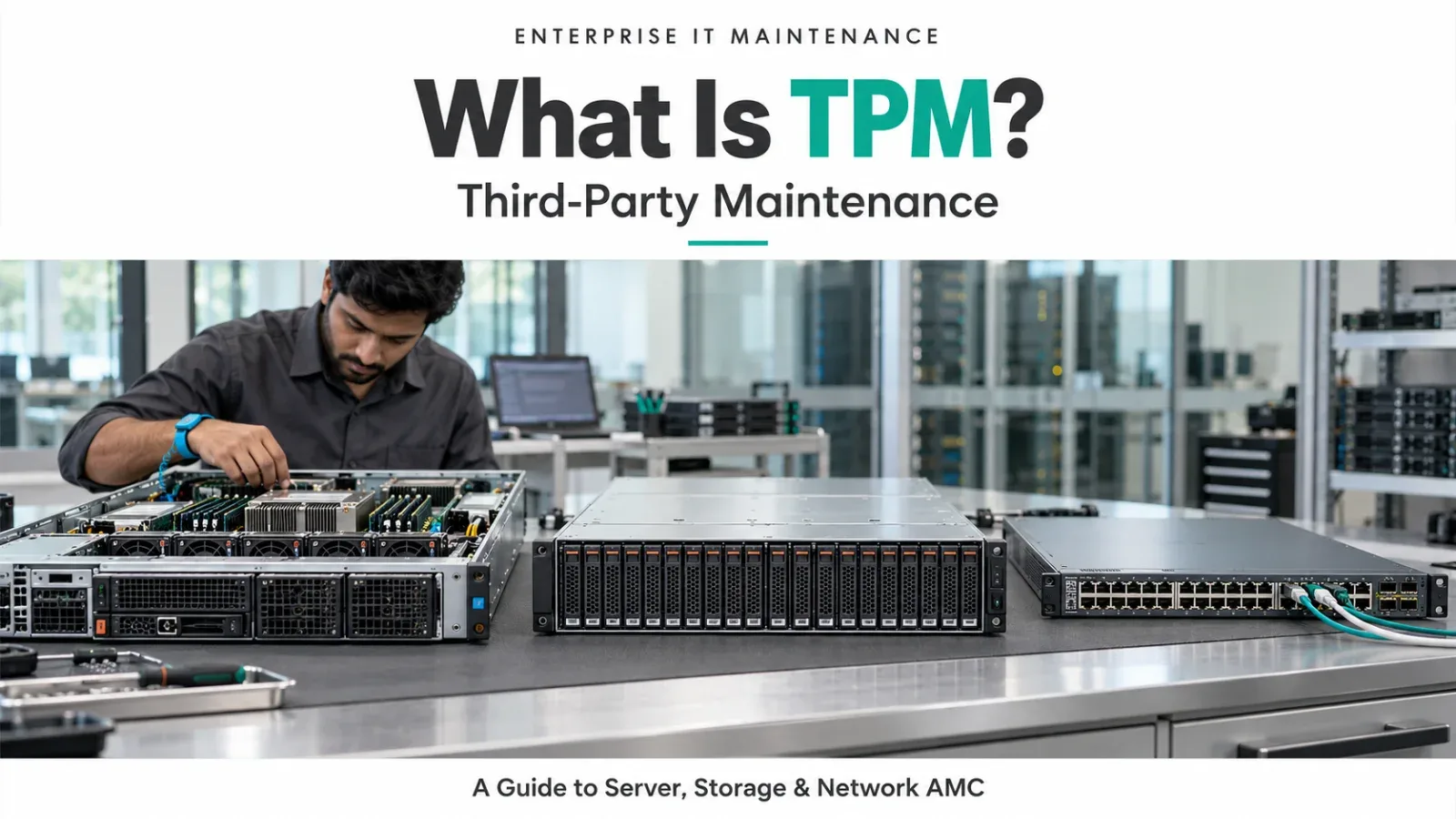
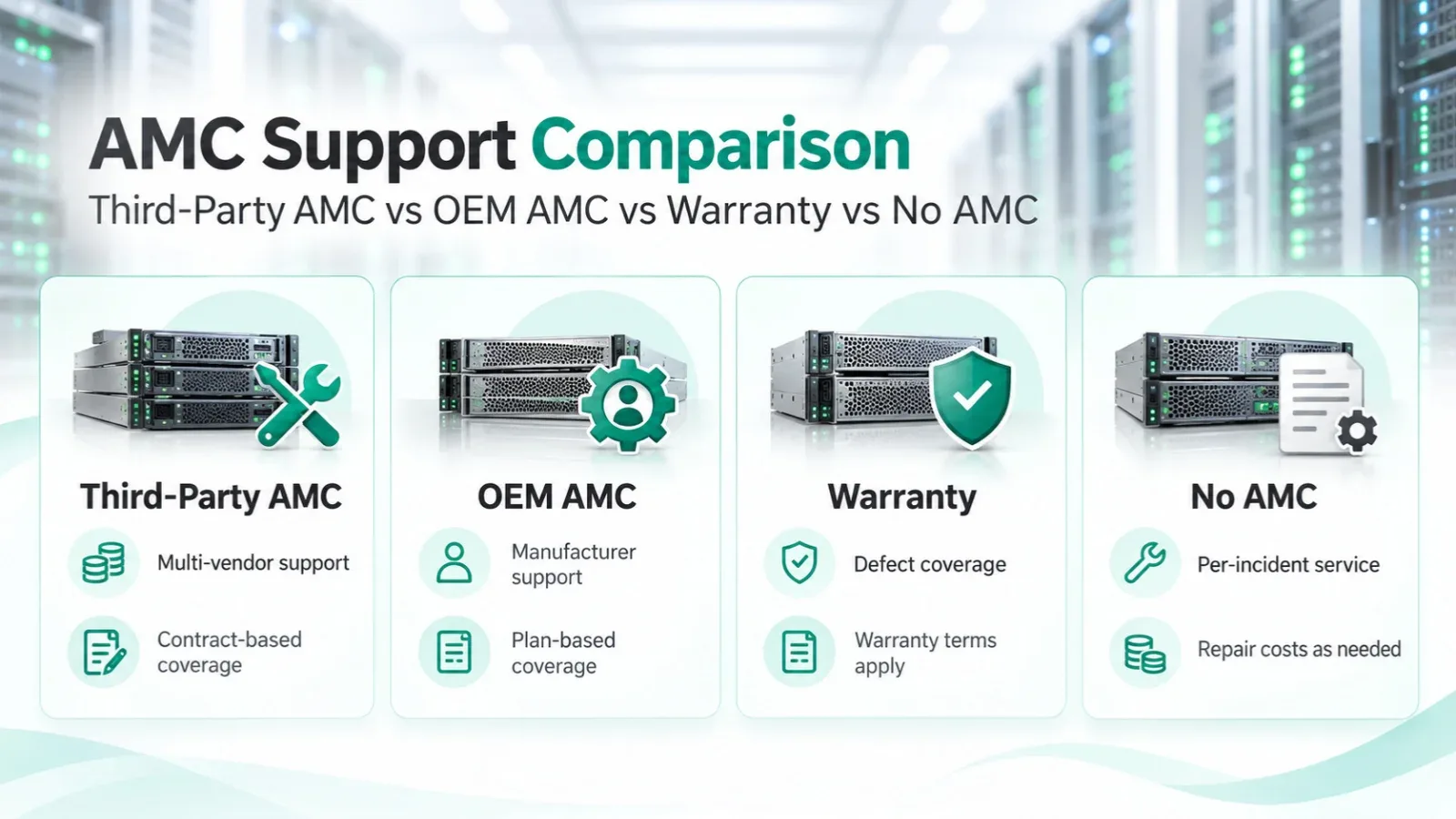
- The Role of Third-Party Maintenance (TPM)
- Common Mistake: Treating All EOL Servers the Same
- A Smart Lifecycle Strategy (Recommended)
- Final Thoughts
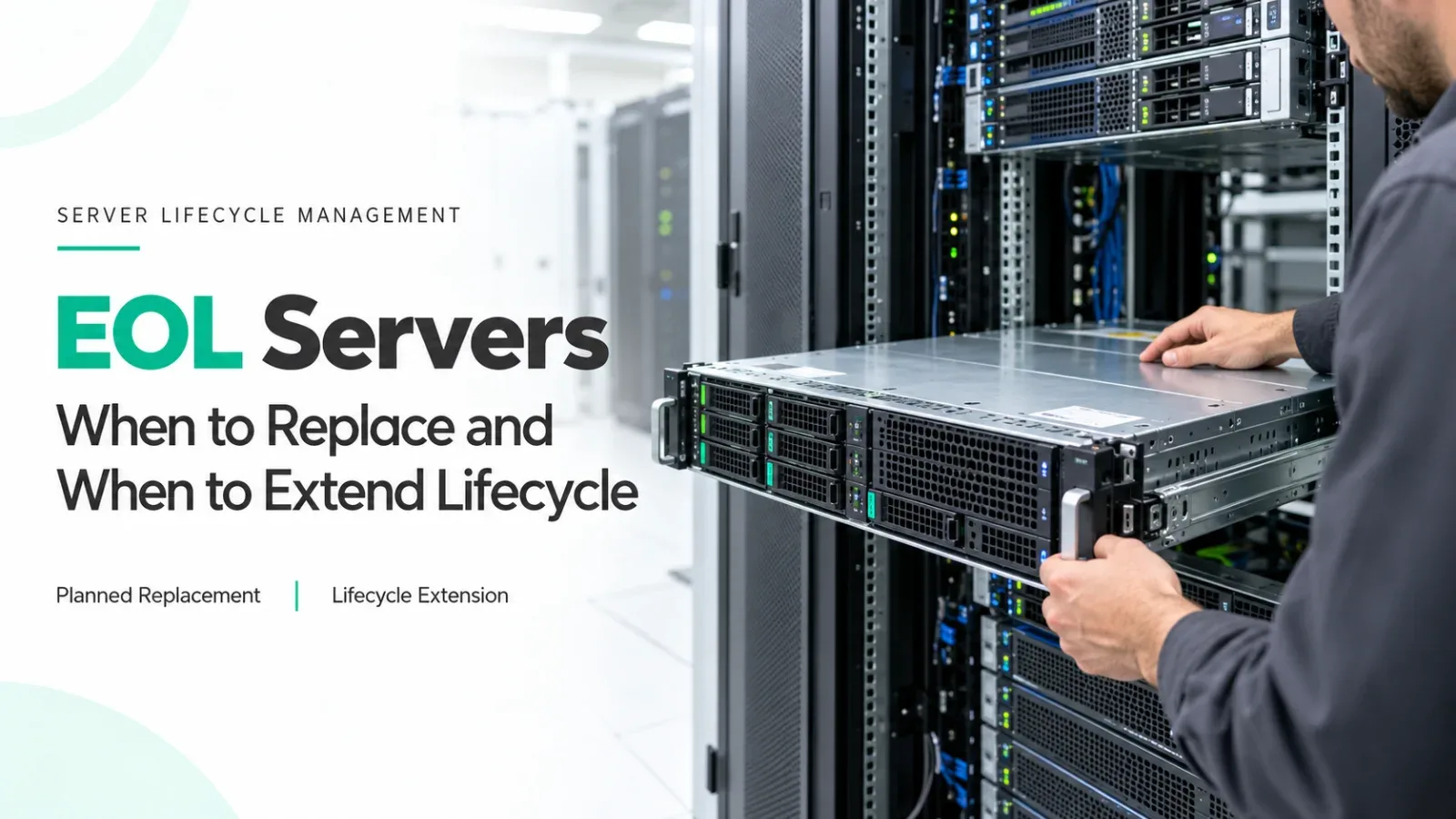
Every organization eventually faces the same IT question: Our servers are End of Life (EOL). Should we replace them, or can we safely keep using them?
This decision is often rushed, emotional, or vendor-driven. In reality, EOL does not automatically mean unusable. The smarter approach is to understand when replacement is necessary and when lifecycle extension makes better business sense.
This blog explains EOL servers in simple terms and provides a practical decision framework to help you choose the right path.
What Does EOL Really Mean?
EOL (End of Life) means the manufacturer has stopped selling a server model.
After EOL, the server typically moves toward EOS (End of Support), when OEM warranty, updates, and official spare parts are discontinued. Important clarification:
EOL is a vendor decision, not a technical failure.
Many enterprise servers continue to run reliably years after EOL.
Why This Decision Matters
Replacing servers too early wastes money. Keeping them too long without support increases risk.
The goal is balance:
- Control cost
- Maintain uptime
- Reduce business risk
- Avoid panic-driven upgrades
When You SHOULD Replace EOL Servers
Replacement is the right choice when risk outweighs savings.
1. Hardware Is Unstable or Failing Frequently
If disks, PSUs, fans, or system boards are failing often, lifecycle extension becomes risky and operationally expensive.
2. Performance No Longer Meets Business Needs
If workloads have grown and servers can’t keep up, with CPU saturation, memory pressure, or I/O bottlenecks, extension only delays the inevitable.
3. Security or Compliance Requires OEM Support
Some industries require:
- Vendor-supported firmware
- Certified patching
- Audit-aligned hardware
In such cases, OEM-supported platforms are mandatory.
4. OS / Software Compatibility Is Broken
If new OS versions, hypervisors, or applications cannot run on the existing hardware, replacement is unavoidable.
5. The Server Is Very Old (High Risk Zone)
Servers that became EOL 8–10+ years ago often fall into a high-risk category due to component aging and spare scarcity.
Rule of thumb: If the server is both old and unstable, replace it.
When You SHOULD Extend EOL Server Lifecycle
Lifecycle extension is often the smarter and safer option when conditions are right.
1. The Server Became EOL Recently
Servers that reached EOL within the last 1–3 years are often:
- Technically stable
- Underutilized
- Easy to support with available spares
These are ideal candidates for lifecycle extension.
2. Workloads Are Stable
If applications are not growing rapidly and performance is acceptable, there is no immediate business gain from replacement.
3. Hardware Health Is Good
If disks, memory, and power components are healthy, the server still has usable life left.
4. Cost Optimization Is a Priority
Extending lifecycle using Third Party Maintenance (TPM) or Local AMC can reduce support cost by 40–70% compared to OEM contracts.
5. You Need Time for Planned Migration
Lifecycle extension buys time to:
- Design a new platform properly
- Plan data migration
- Avoid rushed projects
Rule of thumb: If the server is recently EOL and stable, extend its lifecycle.
EOL Servers: Replace vs Extend
Hardware Age
- Replace: Very old
- Extend lifecycle: Recently EOL
Failure Rate
- Replace: High
- Extend lifecycle: Low
Performance
- Replace: Insufficient
- Extend lifecycle: Adequate
Compliance Needs
- Replace: Strict OEM required
- Extend lifecycle: Flexible
Budget Pressure
- Replace: Low
- Extend lifecycle: High
Migration Readiness
- Replace: Ready now
- Extend lifecycle: Needs time
The Role of Third-Party Maintenance (TPM)
TPM allows organizations to:
- Maintain EOL servers with non-OEM support
- Replace failed components quickly
- Avoid forced hardware refresh
- Lower ongoing maintenance cost
TPM is not about “avoiding upgrades forever.” It is about extending value safely while planning the next step.
Common Mistake: Treating All EOL Servers the Same
Not all EOL servers are equal.
A server that became EOL last year is very different from one that became EOL a decade ago.
Treating both the same leads to:
- Unnecessary replacements
- Increased CAPEX
- Missed optimization opportunities
Smart IT teams classify EOL servers by risk, not by label.
A Smart Lifecycle Strategy (Recommended)
A balanced, real-world strategy looks like this:
- New & mission-critical systems: OEM support
- Recently EOL, stable systems: TPM / Local AMC
- Very old, high-risk systems: Planned replacement
This approach aligns technology decisions with business reality.
Final Thoughts
EOL is not a stop sign. It is a decision point. The right question is not “Is this server EOL?”
The right question is “Is this server still fit for purpose, and can we support it safely?”
Replacing too early wastes money. Extending too long without support invites risk.
Organizations that make calm, data-driven EOL decisions reduce cost, protect uptime, and modernize infrastructure on their own terms, not the vendor’s.
- #EOL servers
- #server lifecycle
- #server replacement
- #lifecycle extension
- #third-party maintenance
- #server AMC
- #post-warranty support
- #IT infrastructure planning
Need help with this in your own setup?
Talk to a Servicing24 engineer. We’ll give you a plan and a clear price.