MacBook Camera, Microphone & Speaker Service
by SafeTech
Check permissions, selected devices and application behaviour before quoting MacBook camera or audio hardware work.
- Enterprise IT Support
- Certified Engineers
- On-site / Lab Service
- Service Tracking
- Starts from
- ৳1,000
- Service options
- Lab Service
- Service area
- Dhaka
- Turnaround
- 1–4 business days, estimated
Service Provider


About This Service
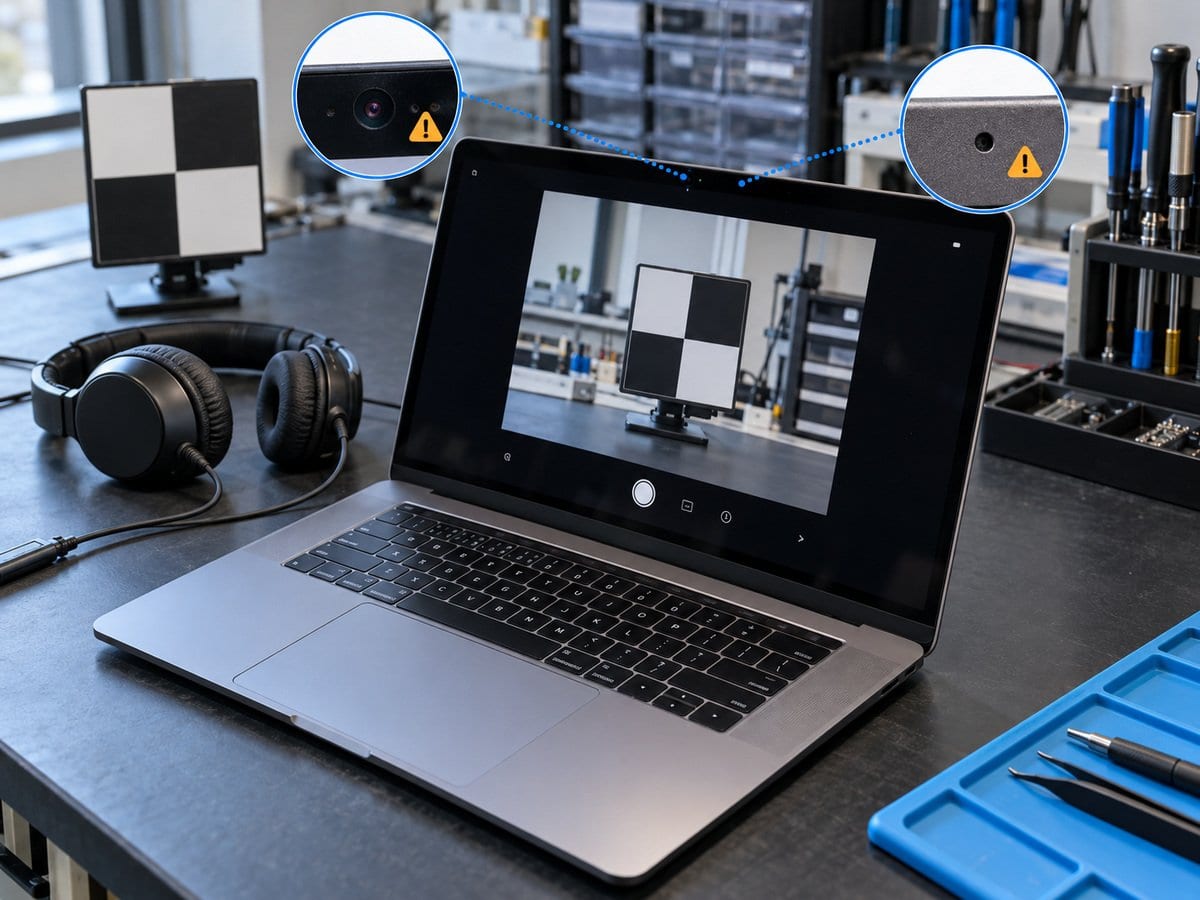
A video call without sound or image may be caused by app access, the wrong selected device or a hardware fault. We test an agreed application and review camera/microphone permissions, relevant Screen Time limits and audio input/output selection first. A headset, external camera or remote-call issue is distinguished from the built-in device. The exact model matters because camera, microphone and speaker assemblies and their access routes differ. Touching unrelated privacy settings or replacing a whole display without fault isolation is not the starting approach. Physical camera/audio repair is quoted after identifying the affected path and any required assembly. The approved service is checked with a local sample call or recording and an agreed playback test, without recording or retaining private conversations. External meeting-platform outages and organization account policies require separate resolution.
Before work starts, the exact model/year and processor family, agreed scope, labour, parts condition and any required repair-completion steps are confirmed in a written quotation. Repair or replacement proceeds after customer approval. Important files should be backed up where possible; erasure, recovery and file transfer require explicit agreed scopes. Owner account actions are handled privately by the customer, not through a public booking form. Completion depends on fault complexity and parts availability. Send the model/year or model identifier, symptoms and a clear error photo to request an assessment.
Service workflow
1. Test agreed local app/device selection and relevant permissions
2. Separate external accessory/app/network issue from built-in hardware
3. Apply approved basic settings work or quote identified part repair
Frequently asked questions
Q: Does camera access failure always require a new display?
A: No. Permissions, Screen Time, app selection and the actual camera path must be checked first.
Q: How is the final cost confirmed?
A: The exact model, findings, parts, labour and applicable warranty are itemised in a written quotation before repair approval.
Q: How do I book this service?
A: Send the MacBook model/year, model identifier and processor family, symptoms, recent repair history and a photo or video of the error. Device acceptance and timing are confirmed by the service team.
Delivery and coverage
Lab Service. Dhaka; other locations and collection options subject to confirmation.
- Experienced Engineers
- Genuine & Compatible Spare Parts
- Repair Warranty on Eligible Parts
- Enterprise & Data Center Support Experience
Frequently Asked Questions
What's Included
Get a detailed report after the service.
- One agreed app and relevant permissions/device selection
- no parts.
How It Works
Get your device serviced in simple steps
- 1Book ServiceTell us the issue
- 2Engineer DiagnosisOn-site or in our lab
- 3Get QuotationAfter assessment
- 4Approve & RepairWe fix the issue
- 5Track & ReceiveReal-time updates
On-Site Service
Our engineer visits your location to diagnose and repair your device.
Servicing24 Lab
Send or bring your device to our lab for advanced diagnosis and repair.
Supported Brands
- Dell
- HP
- HPE
- Lenovo
- Asus
- Acer
- Other Brands
From ৳ 1,000