HP Laptop Touchpad & Clickpad Troubleshooting
by SafeTech
Diagnose HP touchpad and clickpad faults, including configuration, driver, connection and physical damage issues.
- Enterprise IT Support
- Certified Engineers
- On-site / Lab Service
- Service Tracking
- Starts from
- ৳700
- Service options
- Lab Service
- Service area
- Dhaka
- Turnaround
- 1–3 business days, estimated
Service Provider

About This Service
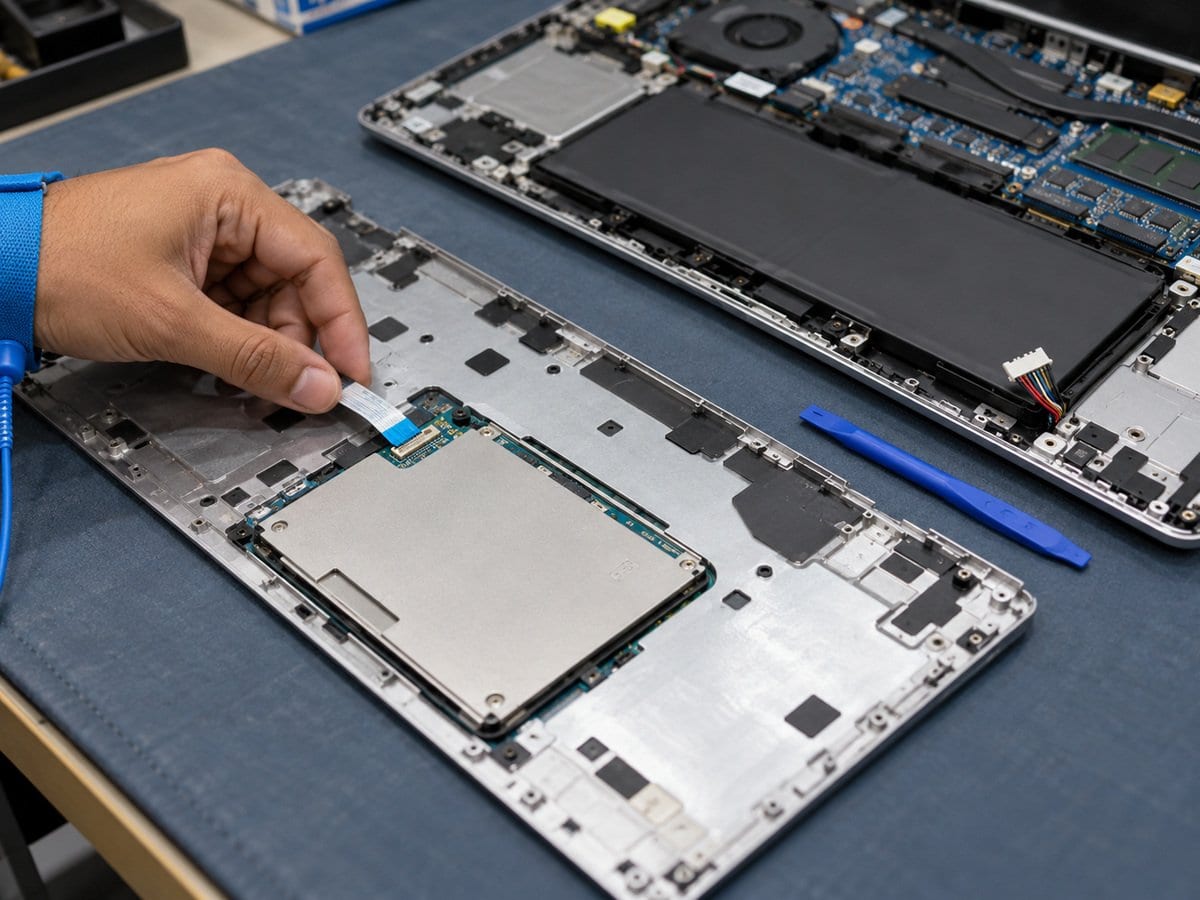
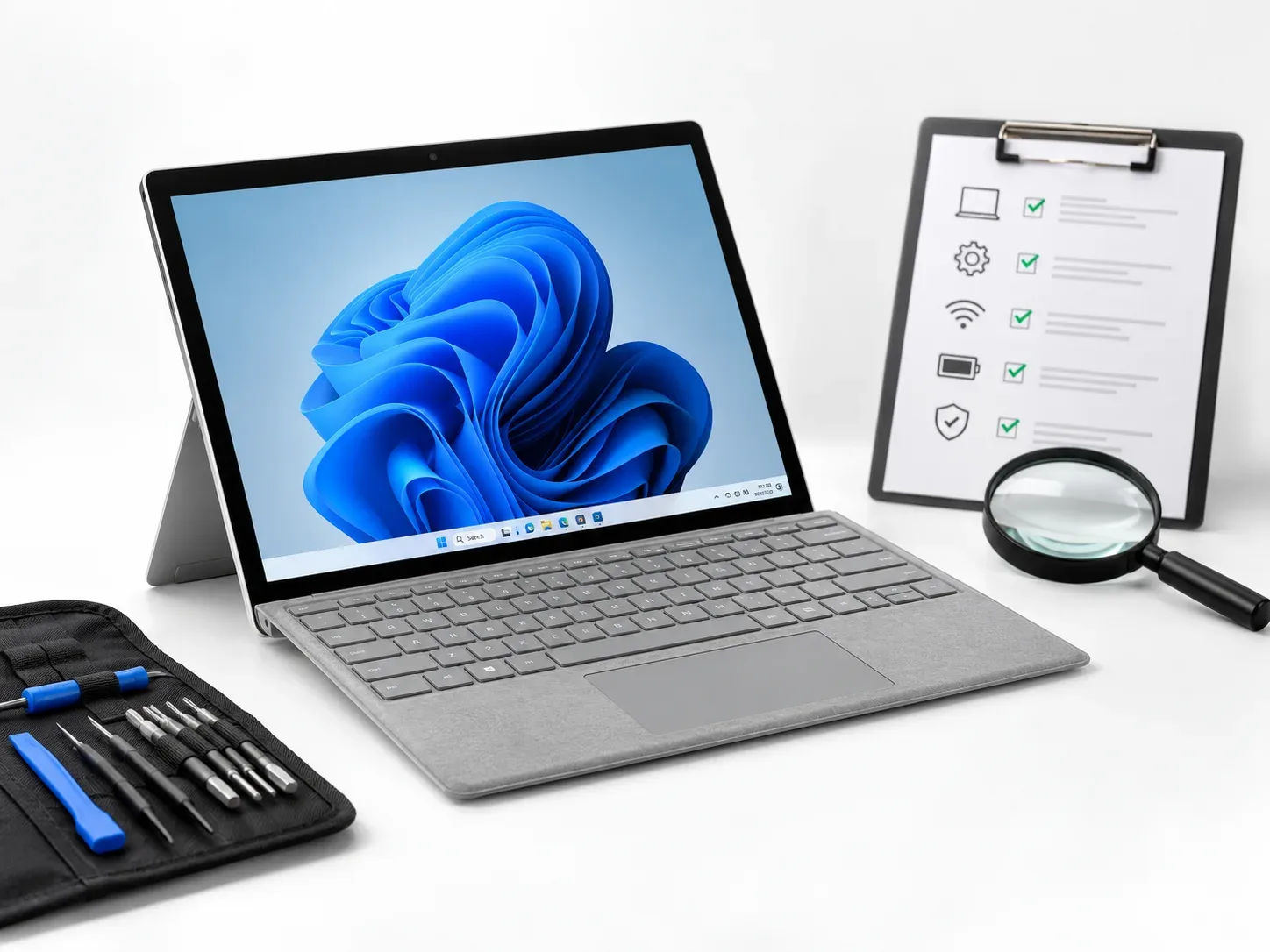
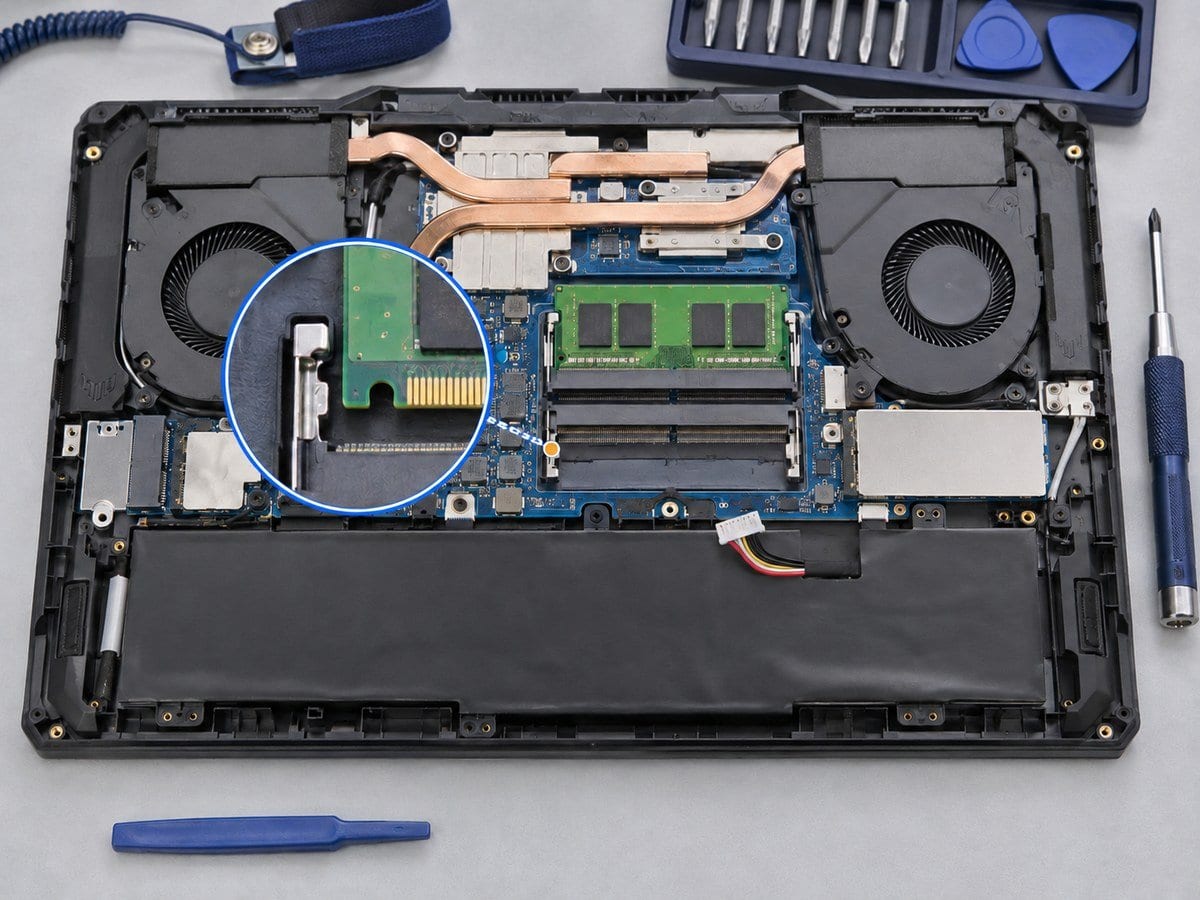
A nonresponsive touchpad does not always need replacement. This service checks whether the symptom involves pointer movement, clicking, gestures or physical deformation. Configuration and driver issues are separated from a loose connection or damaged assembly before a hardware recommendation is made. If the touchpad or palmrest has risen, the technician also checks for an underlying swollen battery instead of forcing the surface down. A replacement touchpad must match the exact model and connection arrangement; some constructions may require a larger assembly. Approved configuration or connection work is followed by pointer, click and gesture checks that the model supports. Battery replacement, damaged upper-case work and board-level controller faults are separately quoted so the customer understands the complete repair cost.
Before work starts, the exact model, service scope, labour charge and any required parts are confirmed in a written quotation. Repair or replacement proceeds after customer approval. Important files should be backed up where possible, and any formatting or data transfer requires an agreed scope. Completion time depends on the fault, model construction and parts availability. Send the model/product number, symptoms and a clear photo of any error to request an assessment.
Service workflow
1. Review input settings, driver state and physical condition
2. Inspect connection and investigate deformation/battery swelling
3. Apply approved fix and test pointer, clicks and supported gestures
Frequently asked questions
Q: Why is a raised touchpad checked for battery swelling?
A: A swollen battery can deform nearby components. The underlying cause should be checked before replacing the touchpad.
Q: How is the final cost confirmed?
A: The exact model, findings, parts, labour and applicable warranty are itemised in a written quotation before repair approval.
Q: How do I book this service?
A: Send the HP model/product number, symptoms, recent repair history and a photo or video of the error. Device acceptance and timing are confirmed by the service team.
Pricing and service terms: Published charges below are proposals from the supplied service draft, not an approved tariff. Numeric prices are starting charges for the stated scope. Parts, licences, data transfer, visits and taxes are included only when expressly stated in the written quotation. Dhaka service acceptance is subject to confirmation. Lab Service.
- Experienced Engineers
- Genuine & Compatible Spare Parts
- Repair Warranty on Eligible Parts
- Enterprise & Data Center Support Experience
Frequently Asked Questions
What's Included
Get a detailed report after the service.
- Configuration/driver correction or feasible accessible connection work
- parts excluded.
- Proposed starting charge
- confirm the written quotation.
How It Works
Get your device serviced in simple steps
- 1Book ServiceTell us the issue
- 2Engineer DiagnosisOn-site or in our lab
- 3Get QuotationAfter assessment
- 4Approve & RepairWe fix the issue
- 5Track & ReceiveReal-time updates
On-Site Service
Our engineer visits your location to diagnose and repair your device.
Servicing24 Lab
Send or bring your device to our lab for advanced diagnosis and repair.
Supported Brands
- Dell
- HP
- HPE
- Lenovo
- Asus
- Acer
- Other Brands
From ৳ 700