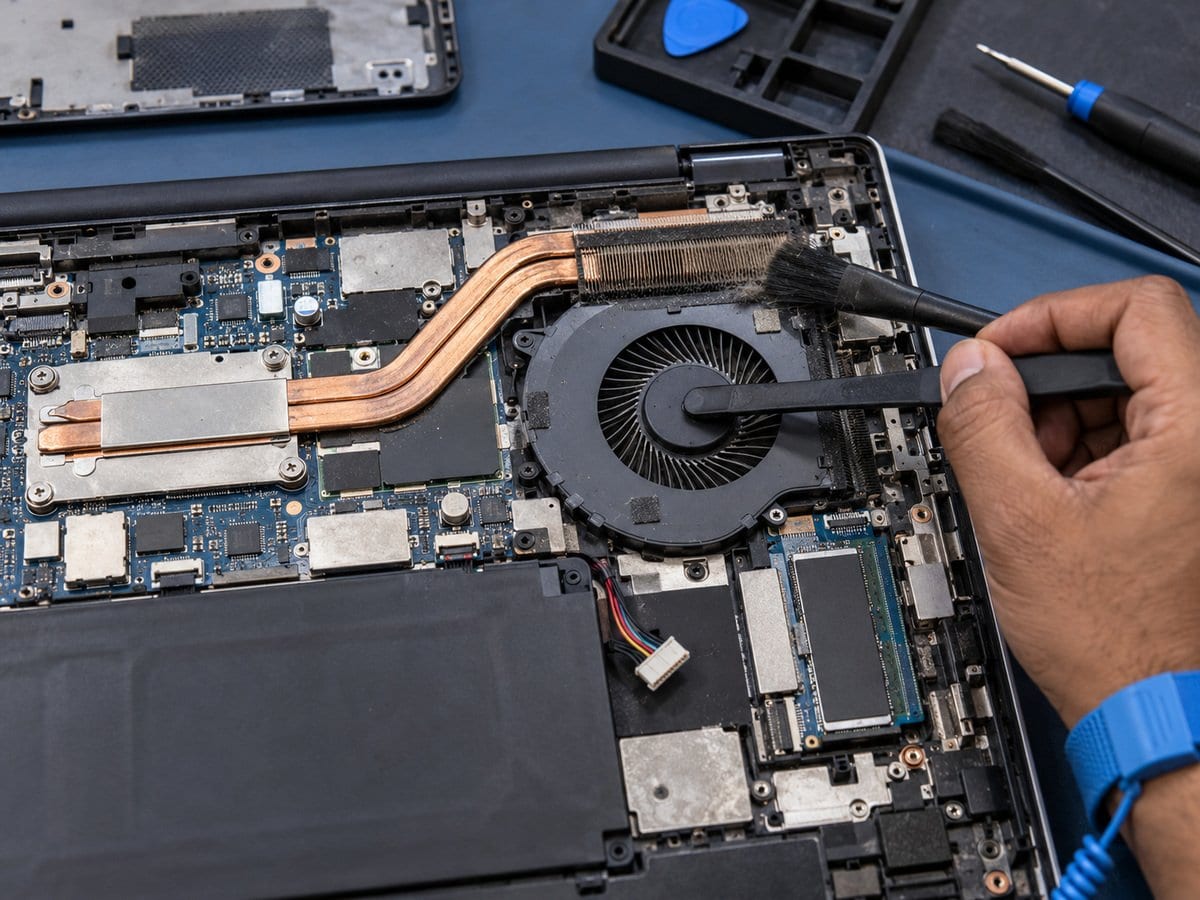
HP Laptop Overheating, Fan & 90B Error Service
by SafeTech
Assess HP laptop overheating and fan warnings, with cleaning, thermal servicing or fan replacement as required.
- Enterprise IT Support
- Certified Engineers
- On-site / Lab Service
- Service Tracking
- Starts from
- ৳1,000
- Service options
- Lab Service
- Service area
- Dhaka
- Turnaround
- Same day–2 business days; parts may extend this
Service Provider

About This Service
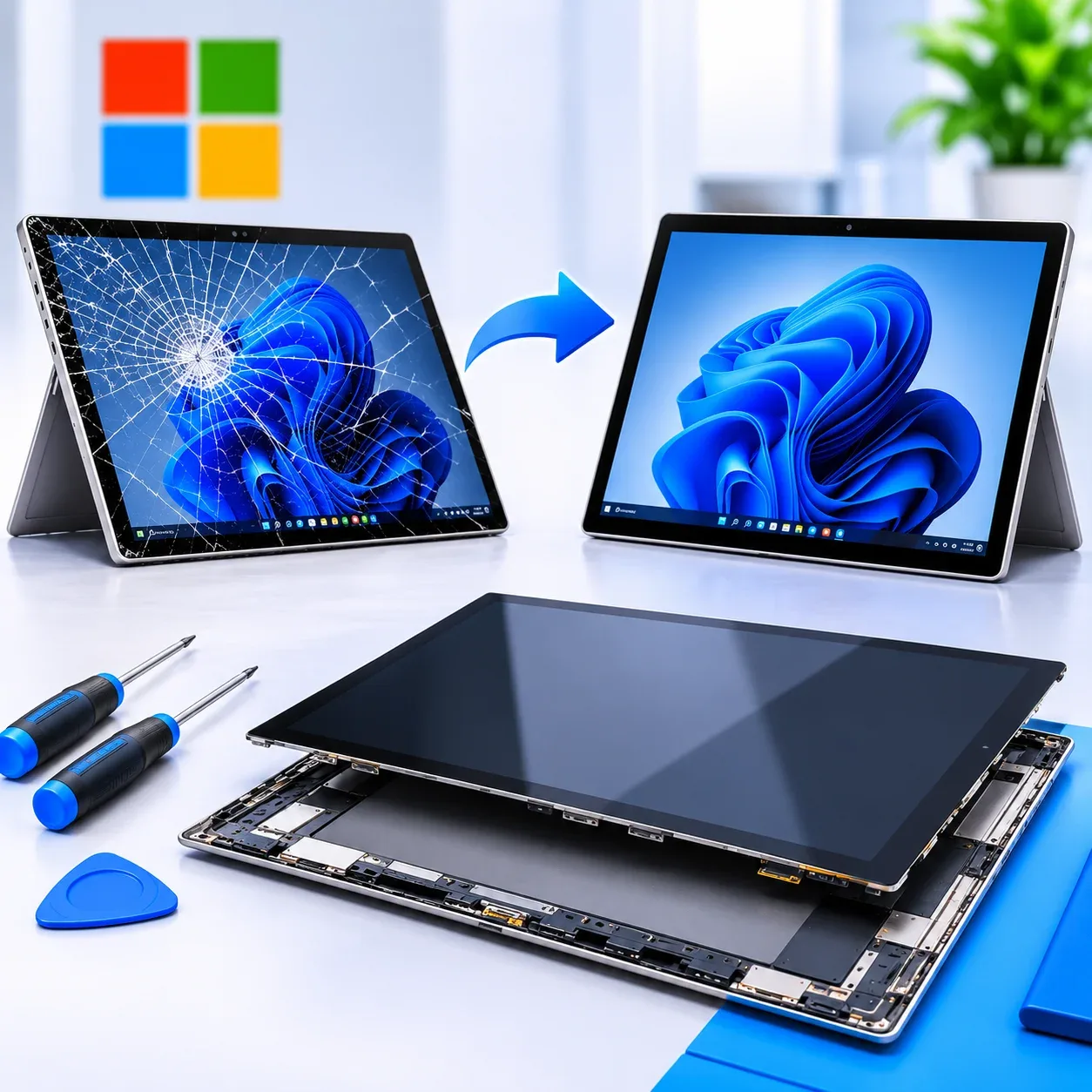
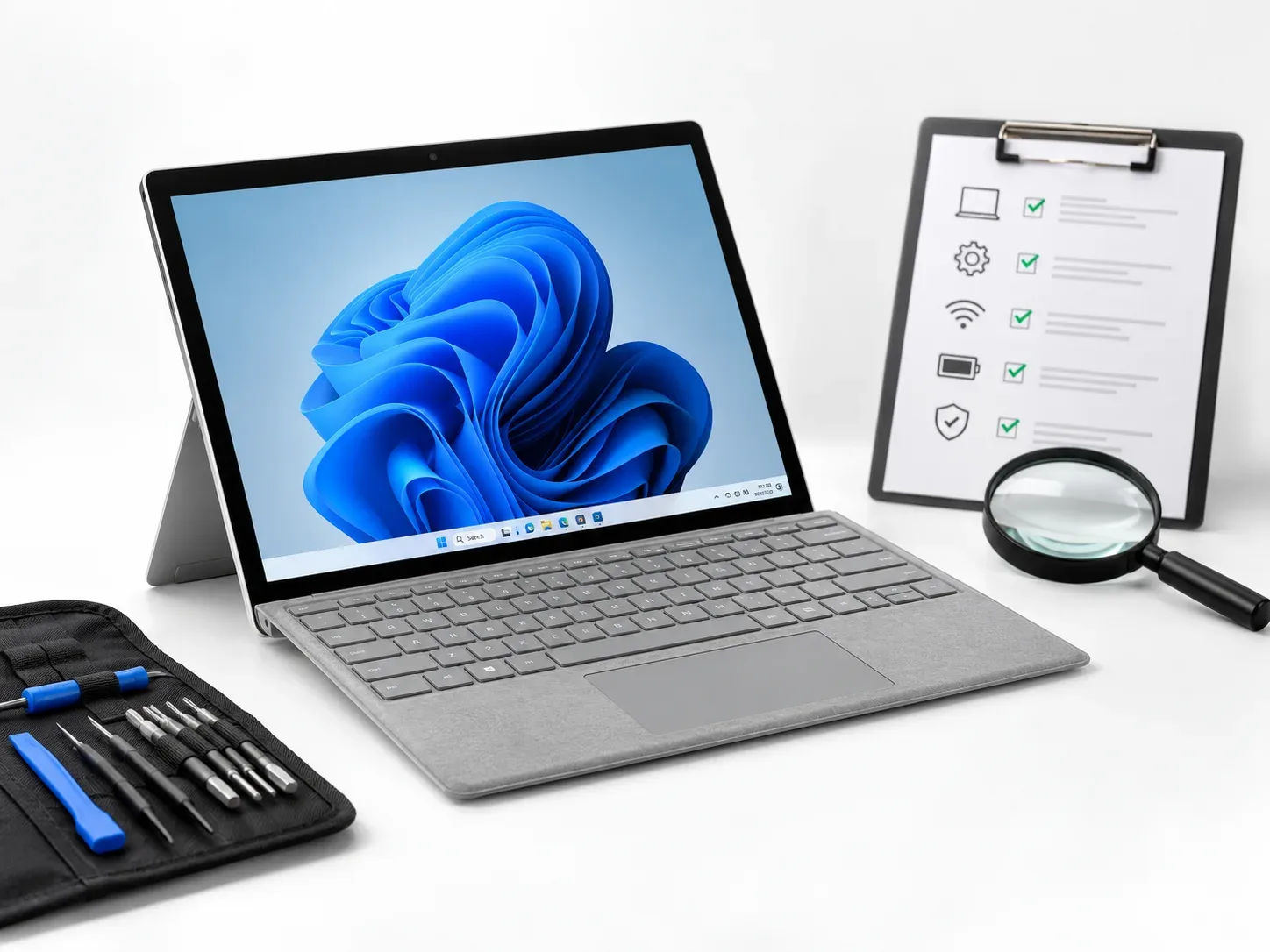
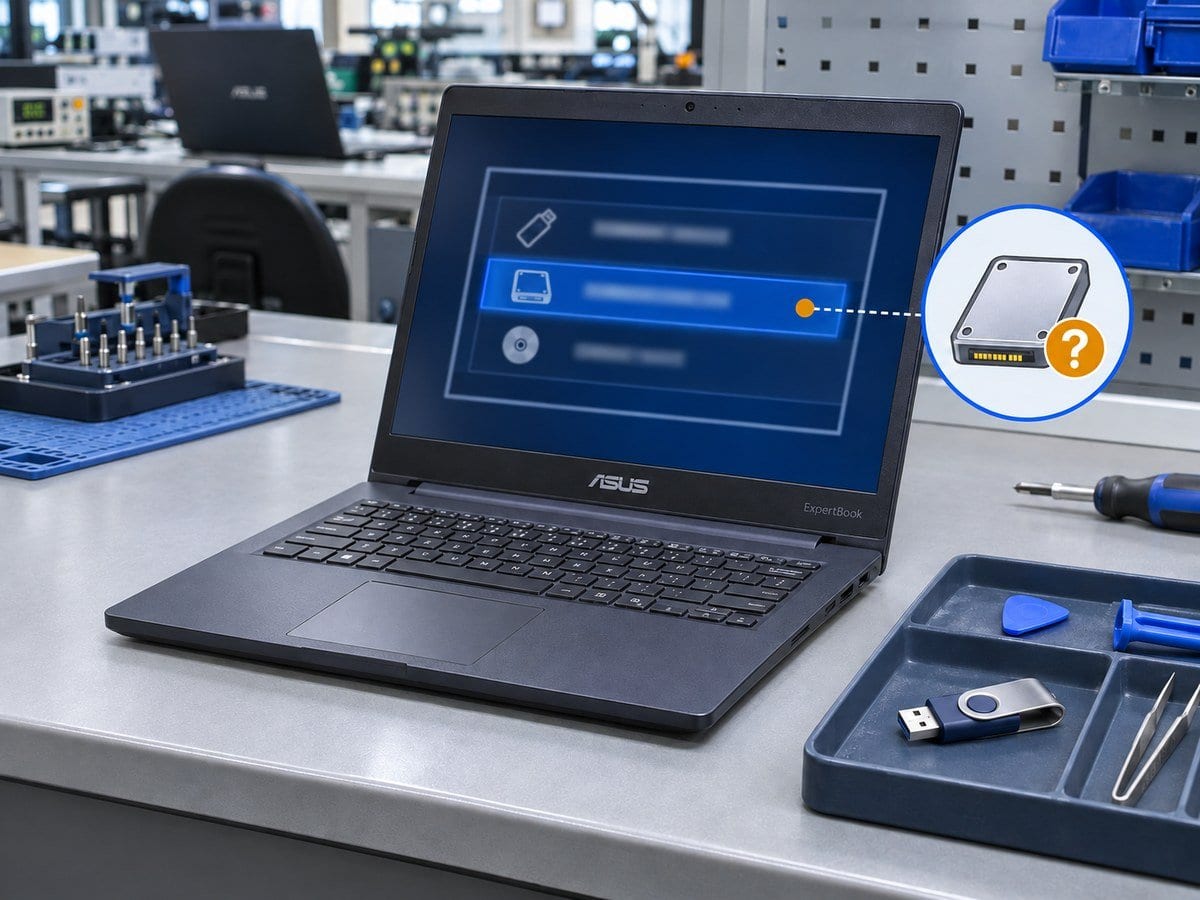
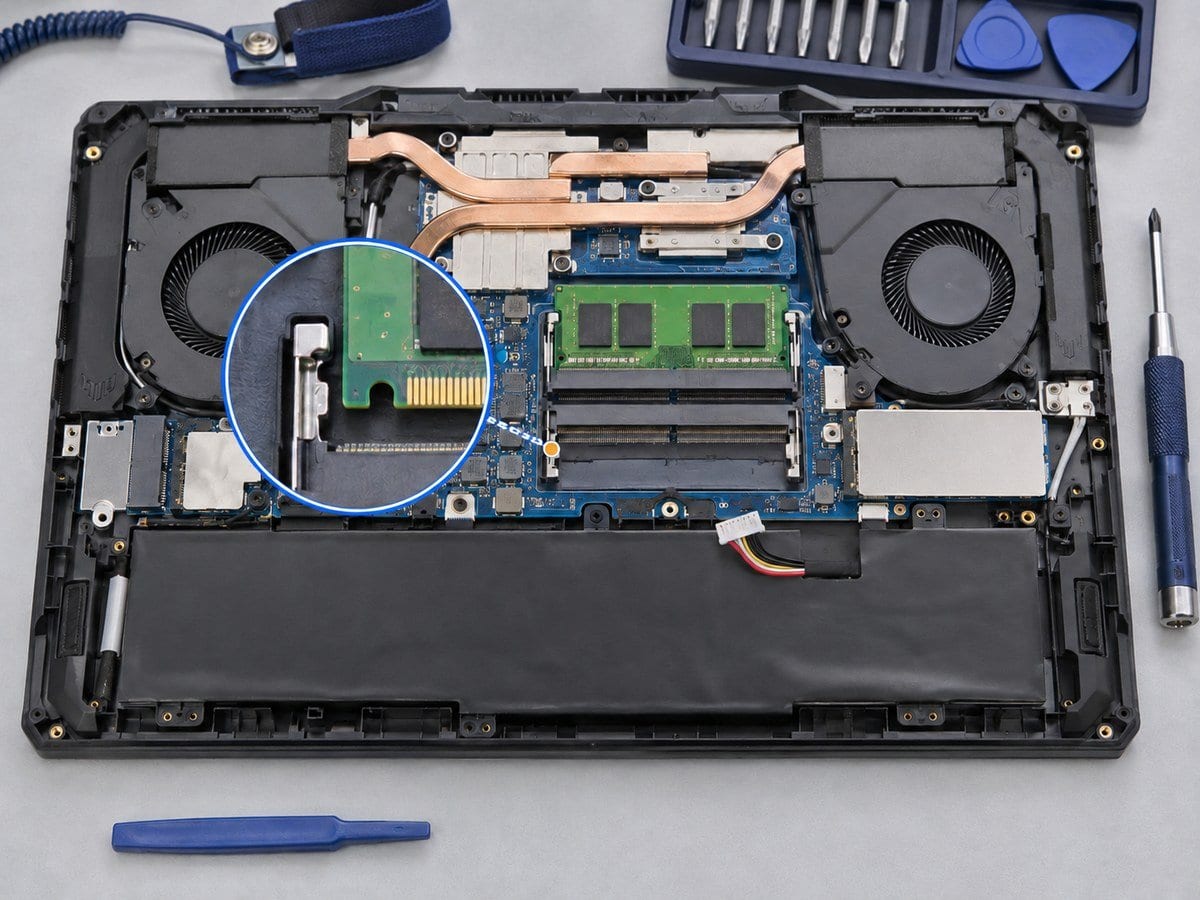
High temperatures, sustained fan noise and thermal shutdown can be caused by restricted airflow, heavy background activity or a cooling-system fault. This service reviews when the problem occurs and examines the vents, fan and heatsink condition. Cleaning and thermal servicing are selected according to the exact model and the materials already used in the cooling assembly. A fan warning such as 90B requires investigation rather than simply hiding the warning. A replacement fan or heatsink is recommended when inspection and testing support it. Gaming HP Victus and OMEN systems and specialist thermal interfaces can require a different scope from a standard office notebook. After service, operating behaviour is checked under an agreed workload. No fixed temperature reduction or promise of silent operation is made.
Before work starts, the exact model, service scope, labour charge and any required parts are confirmed in a written quotation. Repair or replacement proceeds after customer approval. Important files should be backed up where possible, and any formatting or data transfer requires an agreed scope. Completion time depends on the fault, model construction and parts availability. Send the model/product number, symptoms and a clear photo of any error to request an assessment.
Service workflow
1. Review workload, airflow, fan condition and warning message
2. Clean cooling path and renew suitable thermal material when included
3. Test operation; quote failed fans/heatsinks separately
Frequently asked questions
Q: Does loud fan noise always require a new fan?
A: No. Airflow restrictions, workload and configuration can also cause sustained fan activity.
Q: How is the final cost confirmed?
A: The exact model, findings, parts, labour and applicable warranty are itemised in a written quotation before repair approval.
Q: How do I book this service?
A: Send the HP model/product number, symptoms, recent repair history and a photo or video of the error. Device acceptance and timing are confirmed by the service team.
Pricing and service terms: Published charges below are proposals from the supplied service draft, not an approved tariff. Numeric prices are starting charges for the stated scope. Parts, licences, data transfer, visits and taxes are included only when expressly stated in the written quotation. Dhaka service acceptance is subject to confirmation. Lab Service.
- Experienced Engineers
- Genuine & Compatible Spare Parts
- Repair Warranty on Eligible Parts
- Enterprise & Data Center Support Experience
Frequently Asked Questions
What's Included
Get a detailed report after the service.
- Accessible internal dust cleaning and standard thermal paste work where appropriate
- model eligibility checked.
- Proposed starting charge
- confirm the written quotation.
How It Works
Get your device serviced in simple steps
- 1Book ServiceTell us the issue
- 2Engineer DiagnosisOn-site or in our lab
- 3Get QuotationAfter assessment
- 4Approve & RepairWe fix the issue
- 5Track & ReceiveReal-time updates
On-Site Service
Our engineer visits your location to diagnose and repair your device.
Servicing24 Lab
Send or bring your device to our lab for advanced diagnosis and repair.
Supported Brands
- Dell
- HP
- HPE
- Lenovo
- Asus
- Acer
- Other Brands
From ৳ 1,000


