Dell Laptop SSD Upgrade & Data Migration
by SafeTech
Install a compatible SSD in a supported Dell laptop and transfer accessible data under an agreed migration scope.
- Enterprise IT Support
- Certified Engineers
- On-site / Lab Service
- Service Tracking
- Starts from
- ৳500
- Service options
- Lab Service
- Service area
- Dhaka
- Turnaround
- Same day–2 business days after parts confirmation, estimated
Service Provider

About This Service
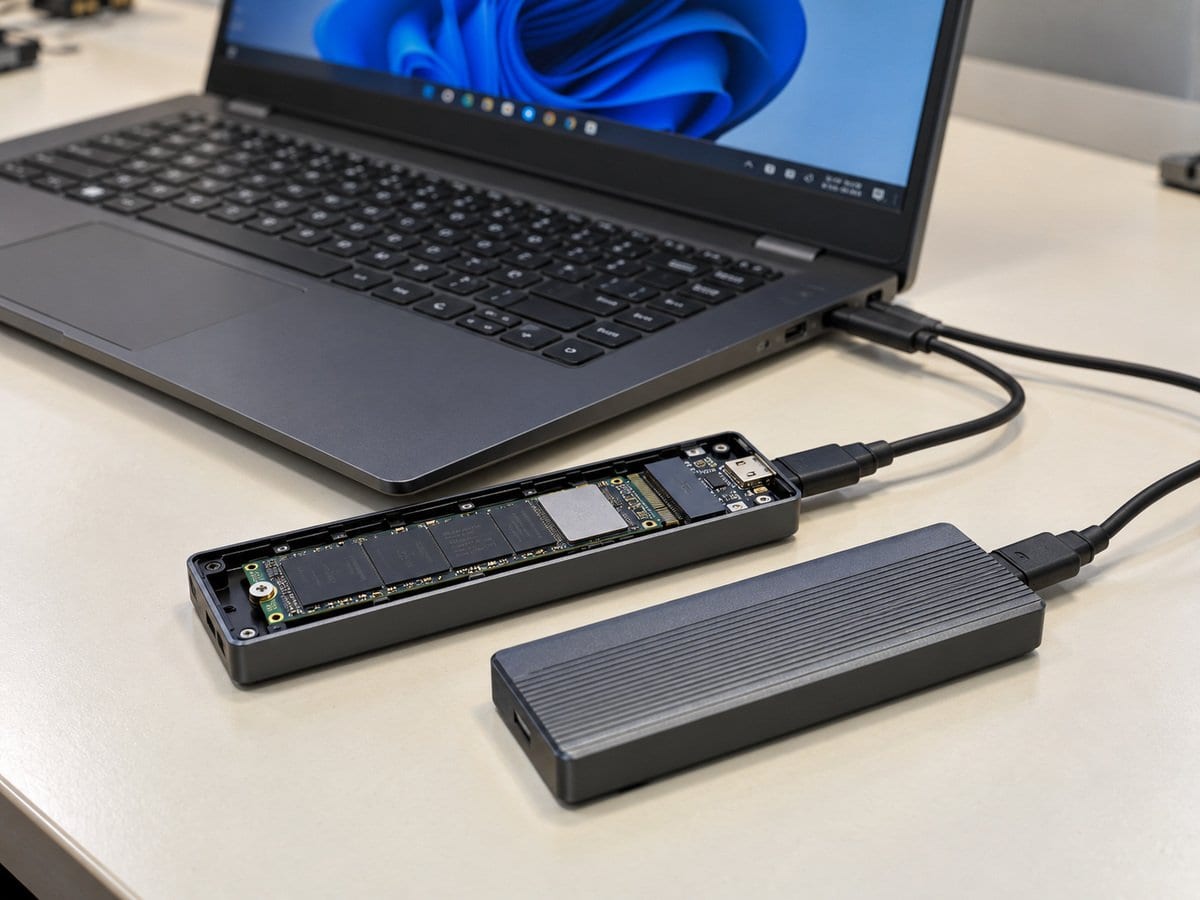
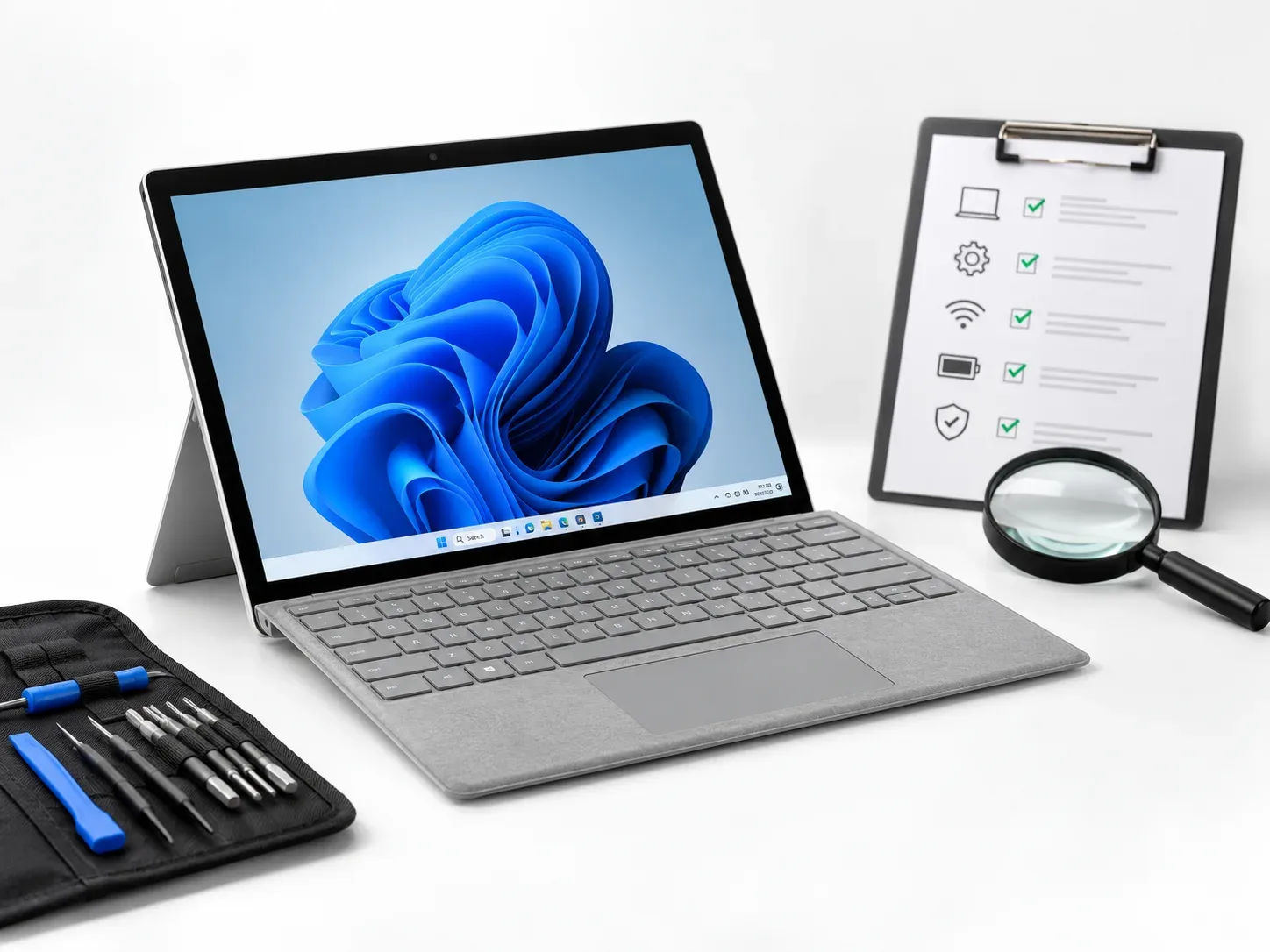
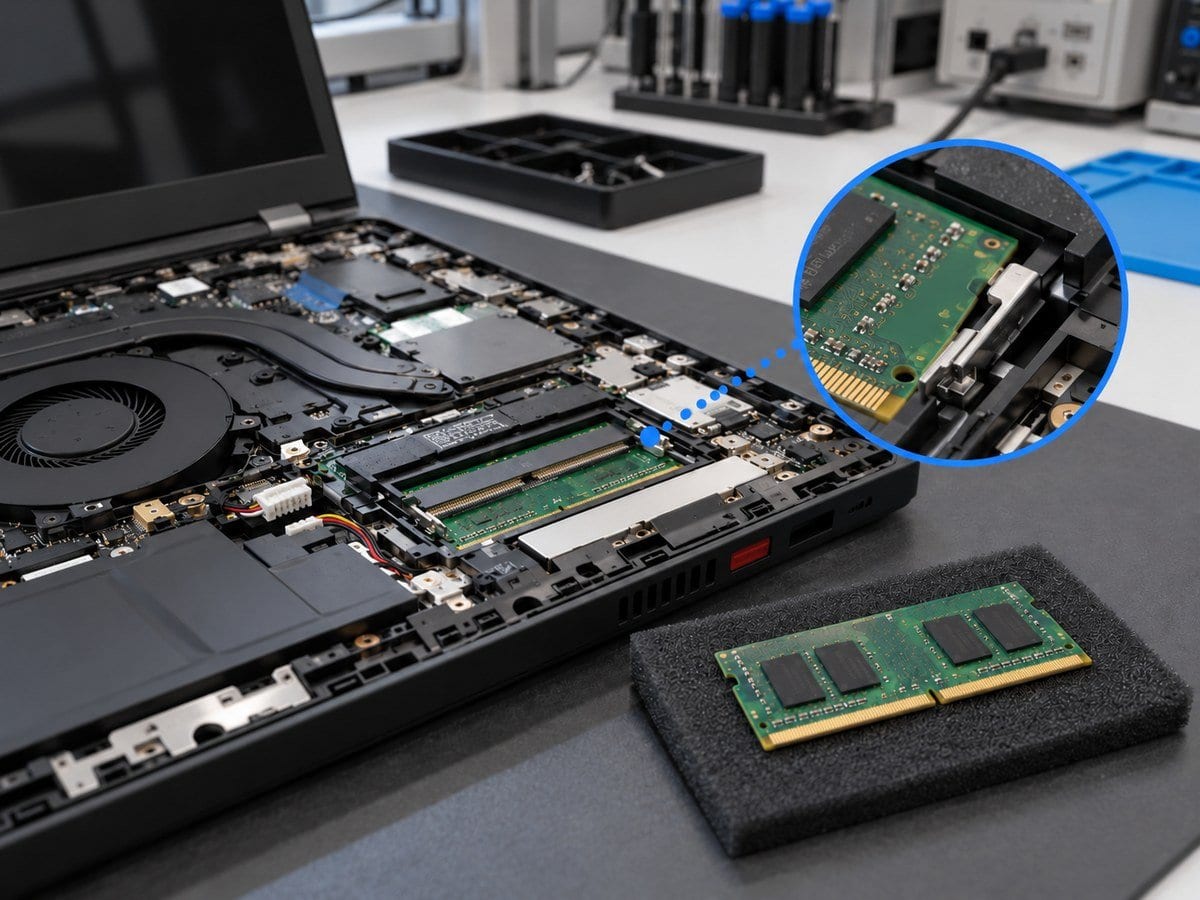
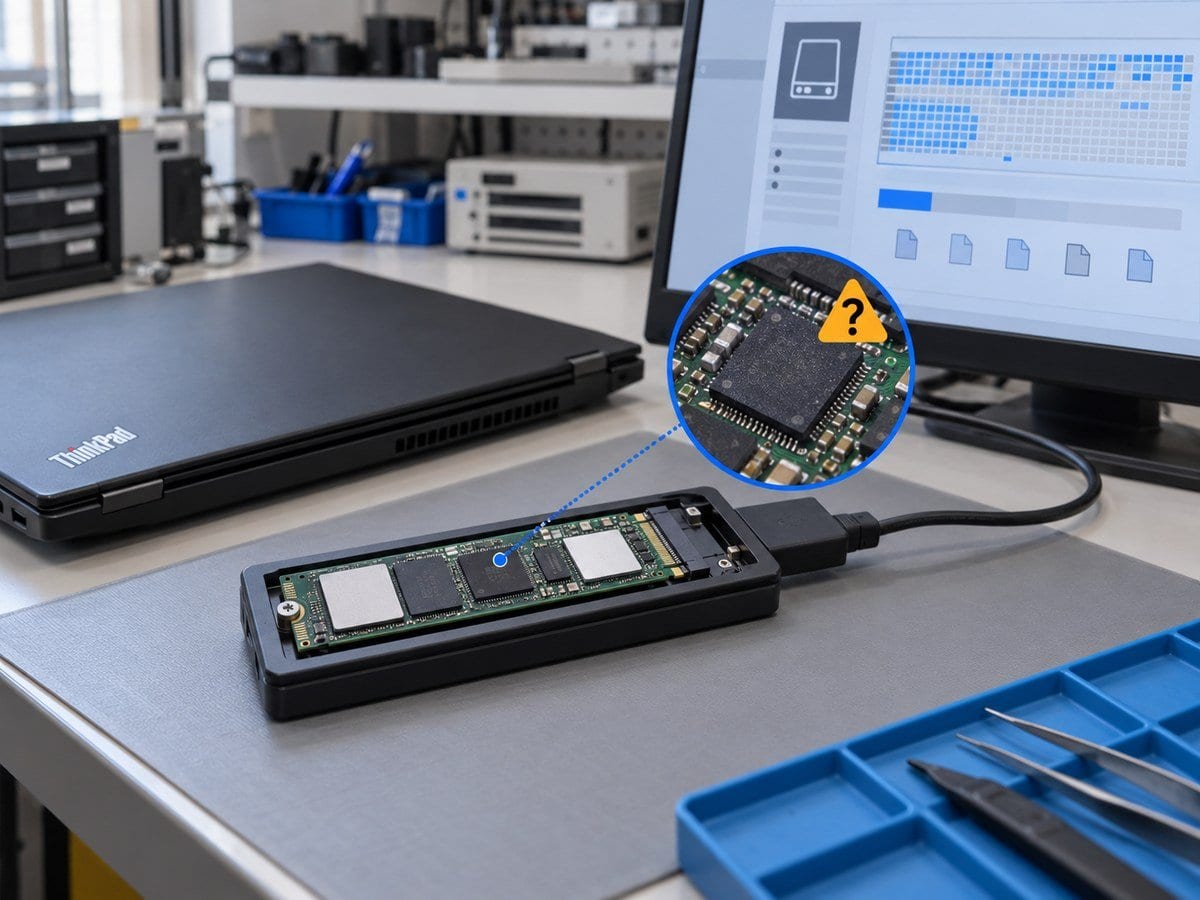
An SSD upgrade can improve storage-related responsiveness or provide more capacity, but the drive must match the exact notebook. This service checks the supported storage interface, physical size, mounting hardware, model-specific storage configuration and available slot or bay before a drive is supplied. An M.2 connector does not by itself establish SATA or NVMe compatibility. Installation and data migration are treated as separate tasks because transfer time and feasibility depend on source-drive health, encryption, capacity and the amount of data. A failing drive is assessed before repeated cloning attempts. After installation, the service checks drive detection, boot behaviour where applicable and the agreed transferred files. Windows installation, software reactivation and failed-drive recovery are included only when explicitly itemised. The old drive is returned unless another arrangement is documented.
Before work starts, the exact model, service scope, labour charge and any required parts are confirmed in a written quotation. Repair or replacement proceeds after customer approval. Important files should be backed up where possible, and any formatting or data transfer requires an agreed scope. Completion time depends on the fault, model construction and parts availability. Send the model and Service Tag, symptoms and a clear photo of any error to request an assessment.
Service workflow
1. Verify exact storage specification, bay/slot and source health
2. Install approved SSD; migrate only agreed accessible data
3. Verify detection, boot where included and selected transferred files
Frequently asked questions
Q: Does this price include the SSD?
A: No. The starting price is fitting labour. SSD hardware, system cloning and additional migration must be itemised.
Q: How is the final cost confirmed?
A: The exact model, findings, parts, labour and applicable warranty are itemised in a written quotation before repair approval.
Q: How do I book this service?
A: Send the Dell model and Service Tag, symptoms, recent repair history and a photo or video of the error. Device acceptance and timing are confirmed by the service team.
Delivery and coverage
Lab Service. Dhaka; other locations and collection options subject to confirmation.
- Experienced Engineers
- Genuine & Compatible Spare Parts
- Repair Warranty on Eligible Parts
- Enterprise & Data Center Support Experience
Frequently Asked Questions
What's Included
Get a detailed report after the service.
- One compatible customer-approved SSD fitting and detection check
- SSD, migration and OS excluded.
How It Works
Get your device serviced in simple steps
- 1Book ServiceTell us the issue
- 2Engineer DiagnosisOn-site or in our lab
- 3Get QuotationAfter assessment
- 4Approve & RepairWe fix the issue
- 5Track & ReceiveReal-time updates
On-Site Service
Our engineer visits your location to diagnose and repair your device.
Servicing24 Lab
Send or bring your device to our lab for advanced diagnosis and repair.
Supported Brands
- Dell
- HP
- HPE
- Lenovo
- Asus
- Acer
- Other Brands
From ৳ 500