Dell Laptop Black Screen & No POST Troubleshooting
by SafeTech
Diagnose Dell black-screen and no-POST symptoms before replacing the LCD panel, memory or motherboard.
- Enterprise IT Support
- Certified Engineers
- On-site / Lab Service
- Service Tracking
- Starts from
- ৳1,000
- Service options
- Lab Service
- Service area
- Dhaka
- Turnaround
- 1–5 business days, estimated
Service Provider

About This Service
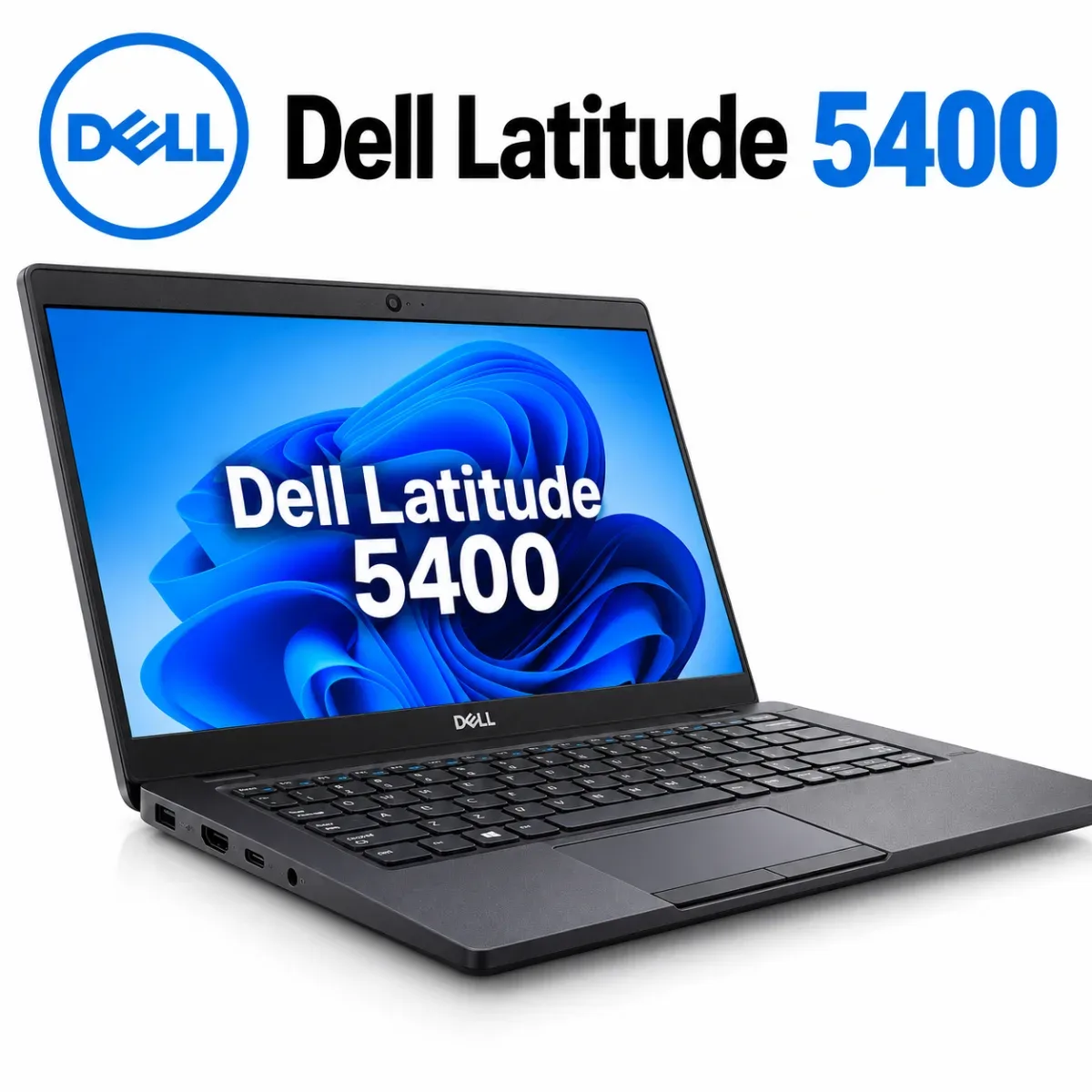
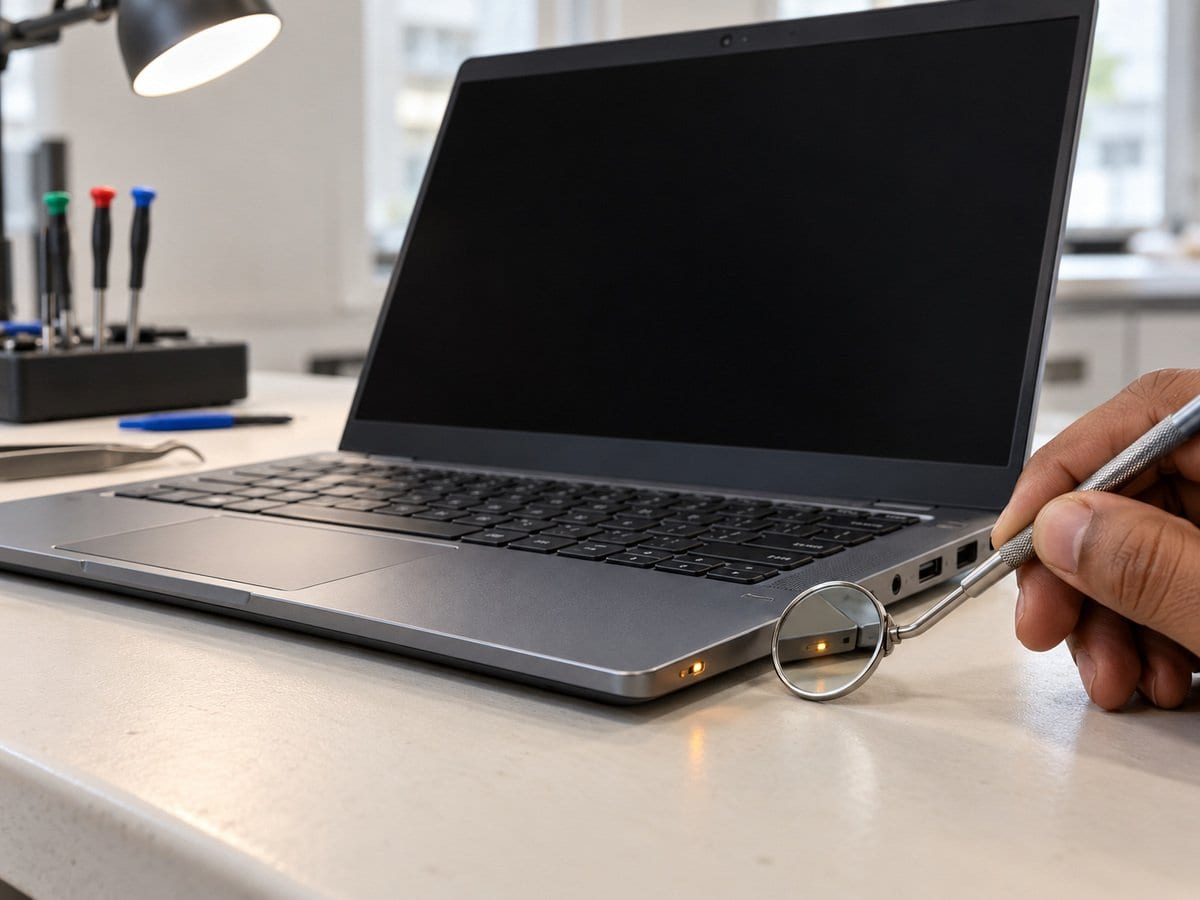
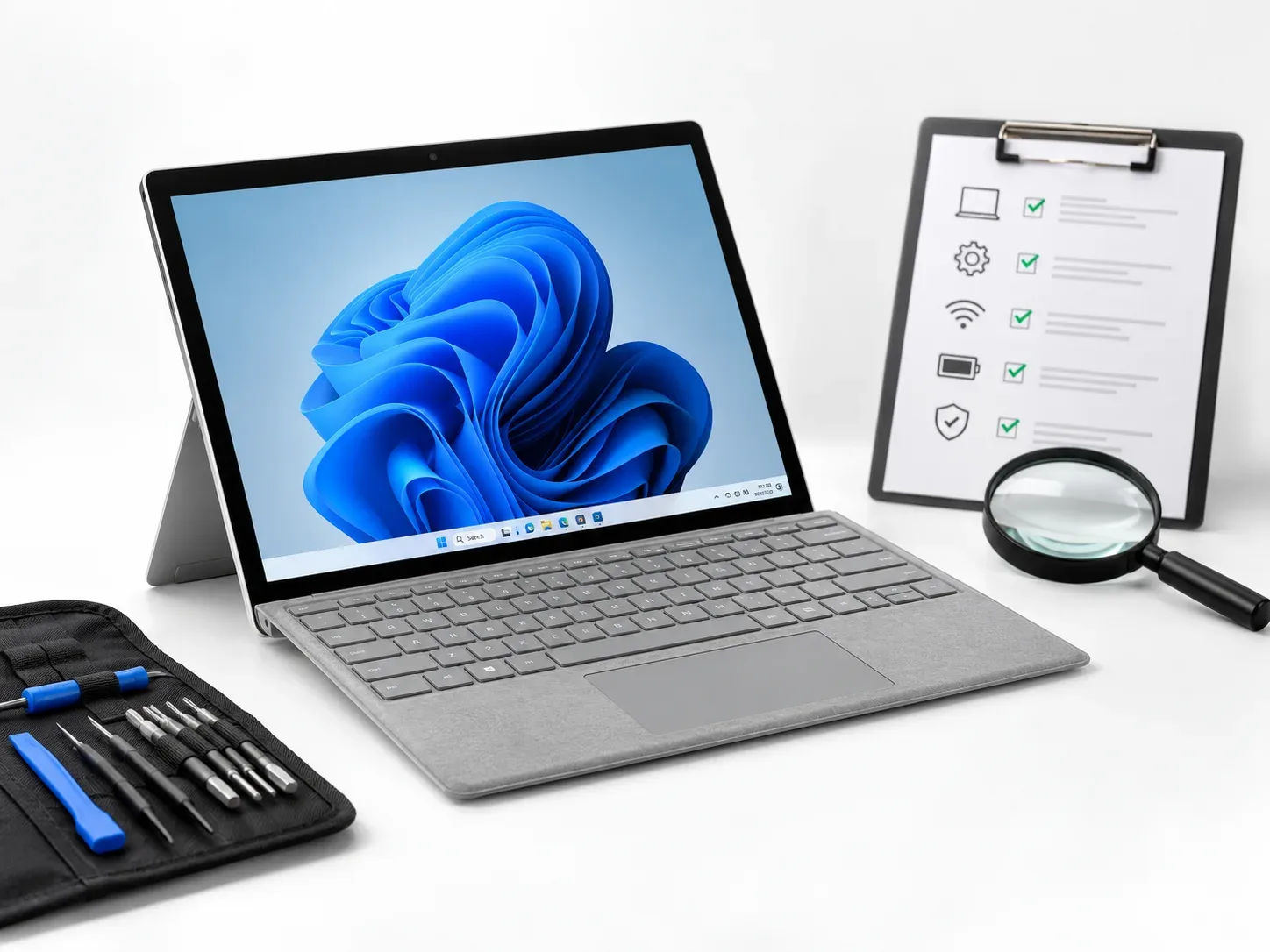
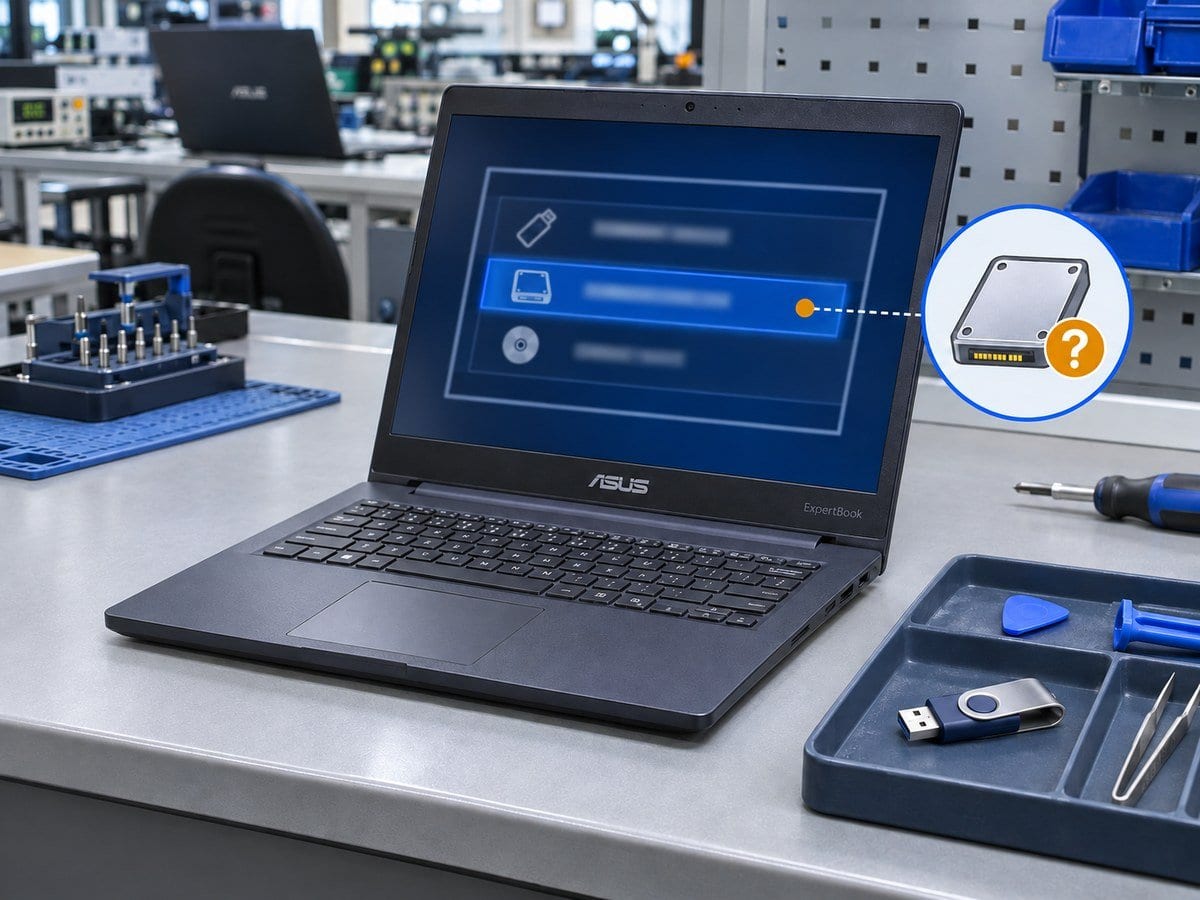
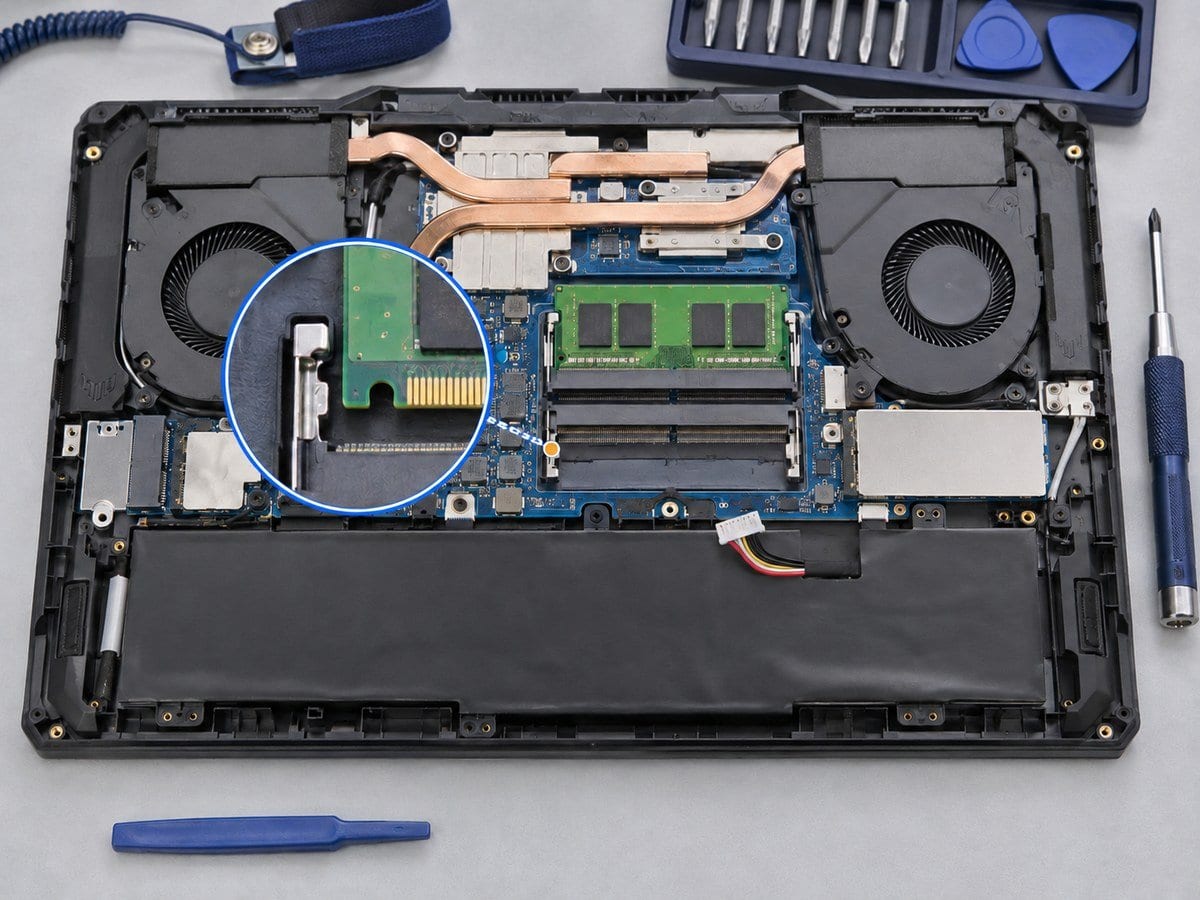
A Dell laptop can receive power but fail before completing its startup checks, or it can start normally while the screen stays blank. This service separates no-POST from no-video symptoms rather than treating both as an automatic screen replacement. The technician records the exact model, Service Tag, startup stage, beep or power/battery LED pattern and any recent hardware changes. Where appropriate and supported, LCD-BIST, an external-display comparison and targeted hardware checks help narrow the fault. A panel self-test does not examine Windows or all graphics-related faults, so its result is interpreted alongside the other evidence. The repair route may involve a cable, panel, memory, firmware or an internal circuit. Parts are quoted only after a reasonable fault assessment, with repeated startup checks after the approved work.
Before work starts, the exact model, service scope, labour charge and any required parts are confirmed in a written quotation. Repair or replacement proceeds after customer approval. Important files should be backed up where possible, and any formatting or data transfer requires an agreed scope. Completion time depends on the fault, model construction and parts availability. Send the model and Service Tag, symptoms and a clear photo of any error to request an assessment.
Service workflow
1. Record startup stage and exact model-specific LED/beep pattern
2. Use supported LCD-BIST and relevant comparison tests; separate no POST from no video
3. Apply approved basic correction; quote failed parts or specialist work separately
Frequently asked questions
Q: Does an amber/white blink pattern always mean a failed motherboard?
A: No. The exact pattern must be interpreted using the correct model guide and supported tests.
Q: How is the final cost confirmed?
A: The exact model, findings, parts, labour and applicable warranty are itemised in a written quotation before repair approval.
Q: How do I book this service?
A: Send the Dell model and Service Tag, symptoms, recent repair history and a photo or video of the error. Device acceptance and timing are confirmed by the service team.
Delivery and coverage
Lab Service. Dhaka; other locations and collection options subject to confirmation.
- Experienced Engineers
- Genuine & Compatible Spare Parts
- Repair Warranty on Eligible Parts
- Enterprise & Data Center Support Experience
Frequently Asked Questions
What's Included
Get a detailed report after the service.
- Startup assessment and feasible basic configuration or accessible connection correction
- no panel included.
How It Works
Get your device serviced in simple steps
- 1Book ServiceTell us the issue
- 2Engineer DiagnosisOn-site or in our lab
- 3Get QuotationAfter assessment
- 4Approve & RepairWe fix the issue
- 5Track & ReceiveReal-time updates
On-Site Service
Our engineer visits your location to diagnose and repair your device.
Servicing24 Lab
Send or bring your device to our lab for advanced diagnosis and repair.
Supported Brands
- Dell
- HP
- HPE
- Lenovo
- Asus
- Acer
- Other Brands
From ৳ 1,000