ASUS Laptop Slow Performance & Hanging Troubleshooting
by SafeTech
Find the cause of slow startup, freezing and poor ASUS laptop performance before recommending an upgrade.
- Enterprise IT Support
- Certified Engineers
- On-site / Lab Service
- Service Tracking
- Starts from
- ৳800
- Service options
- Lab Service
- Service area
- Dhaka
- Turnaround
- Same day–2 business days, estimated
Service Provider



About This Service
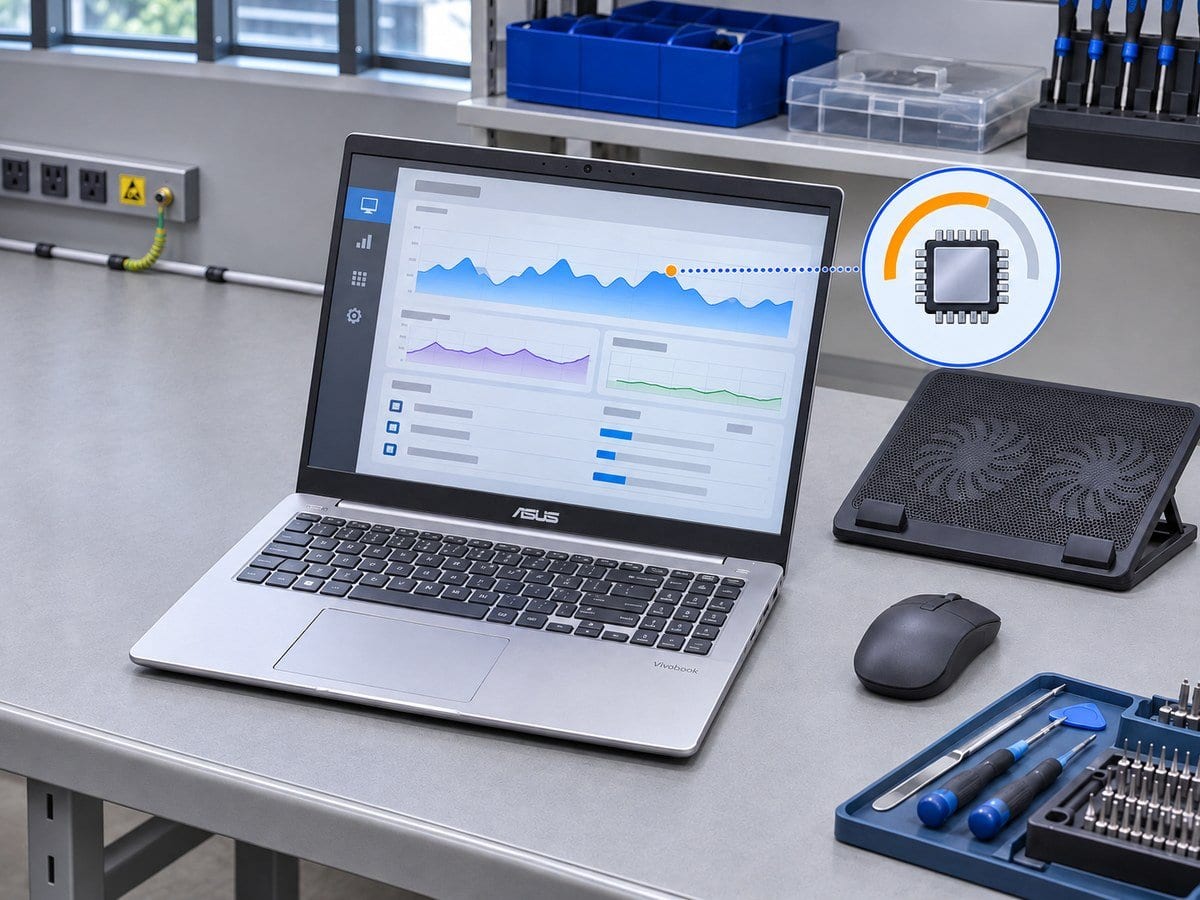
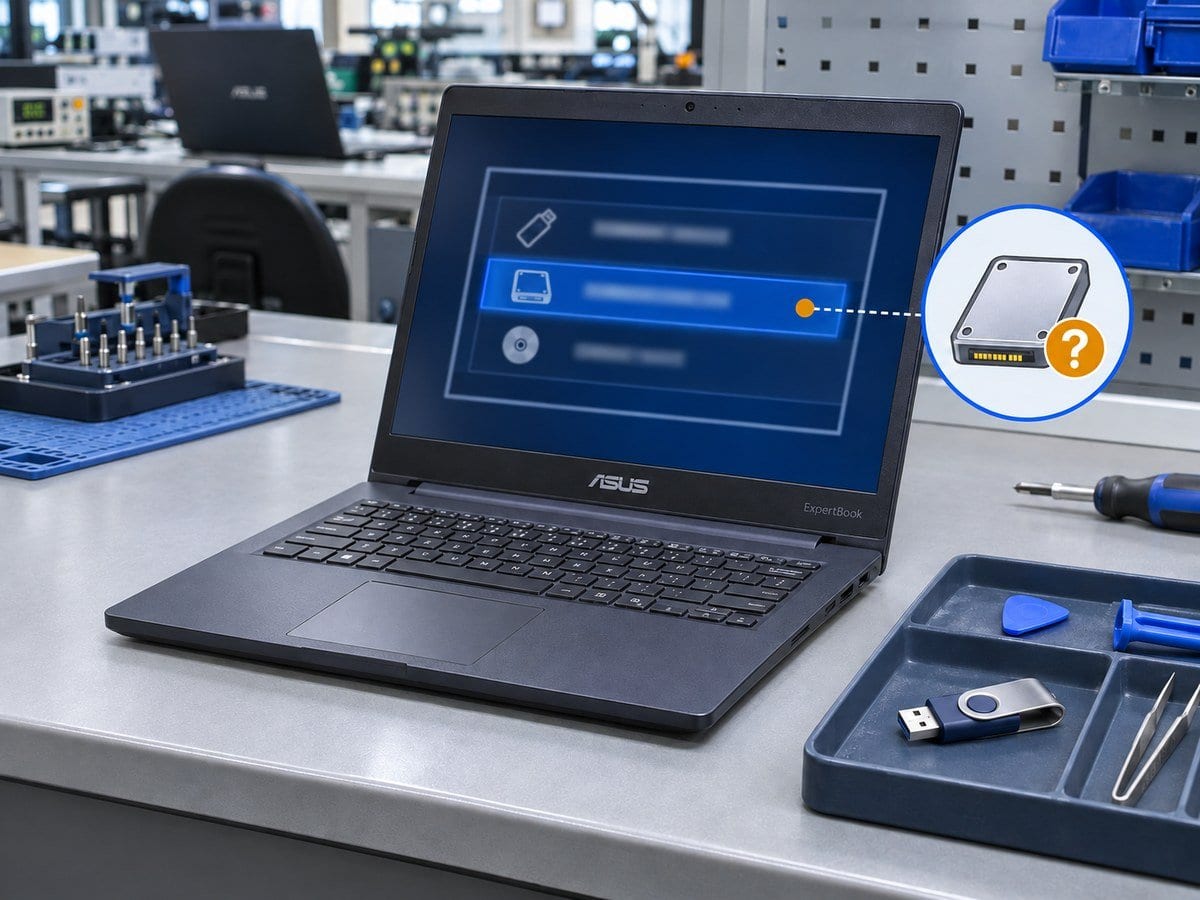
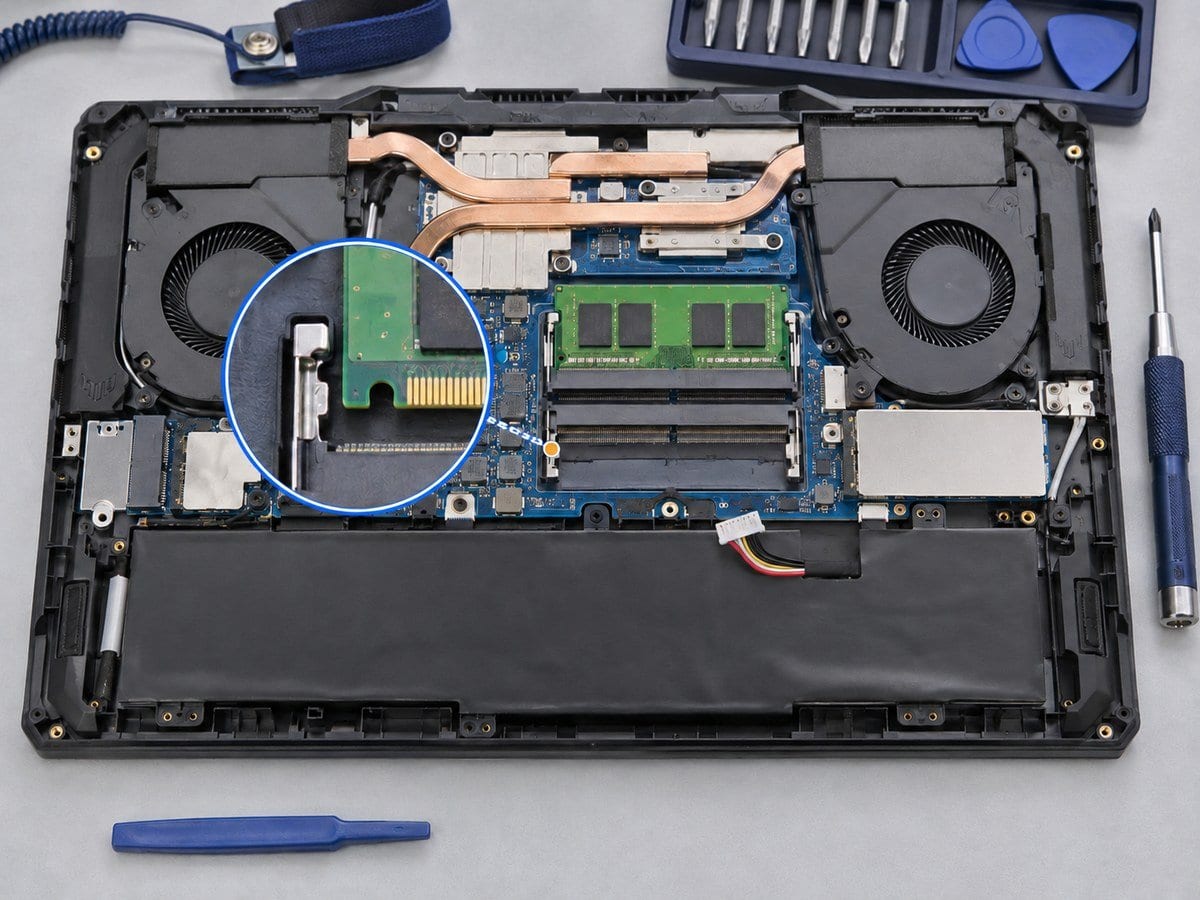
A slow ASUS notebook may have too many startup tasks, limited free space, high memory use, storage trouble or a thermal problem. This service examines the actual workload and supported power/performance profile and checks the operating conditions that cause the slowdown. Approved changes can include startup cleanup, sensible storage housekeeping, driver corrections and malware checks using appropriate tools. The service does not assume that reinstalling Windows or adding RAM will fix every performance issue. If storage health or memory capacity is the limiting factor, a compatible upgrade is quoted separately with its expected practical benefit. Work-related applications and customer files are retained unless a specific change is approved. A before-and-after comparison is made using the same agreed task rather than an unsupported claim of a fixed speed multiplier.
Before work starts, the exact model, service scope, labour charge and any required parts are confirmed in a written quotation. Repair or replacement proceeds after customer approval. Important files should be backed up where possible, and any formatting or data transfer requires an agreed scope. Completion time depends on the fault, model construction and parts availability. Send the full model code and serial number, symptoms and a clear photo of any error to request an assessment.
Service workflow
1. Record workload and reproduce slow behaviour
2. Review startup, free space, resource use, health and thermal clues
3. Apply approved software improvements and compare the same task
Frequently asked questions
Q: Will an SSD or more RAM fix every slow laptop?
A: No. The bottleneck should be identified first, and hardware compatibility must be confirmed.
Q: How is the final cost confirmed?
A: The exact model, findings, parts, labour and applicable warranty are itemised in a written quotation before repair approval.
Q: How do I book this service?
A: Send the ASUS full model code and serial number, symptoms, recent repair history and a photo or video of the error. Device acceptance and timing are confirmed by the service team.
Delivery and coverage
Lab Service. Dhaka; other locations and collection options subject to confirmation.
- Experienced Engineers
- Genuine & Compatible Spare Parts
- Repair Warranty on Eligible Parts
- Enterprise & Data Center Support Experience
Frequently Asked Questions
What's Included
Get a detailed report after the service.
- Startup/resource review, agreed cleanup and task retest
- no OS reinstall or parts.
How It Works
Get your device serviced in simple steps
- 1Book ServiceTell us the issue
- 2Engineer DiagnosisOn-site or in our lab
- 3Get QuotationAfter assessment
- 4Approve & RepairWe fix the issue
- 5Track & ReceiveReal-time updates
On-Site Service
Our engineer visits your location to diagnose and repair your device.
Servicing24 Lab
Send or bring your device to our lab for advanced diagnosis and repair.
Supported Brands
- Dell
- HP
- HPE
- Lenovo
- Asus
- Acer
- Other Brands
From ৳ 800