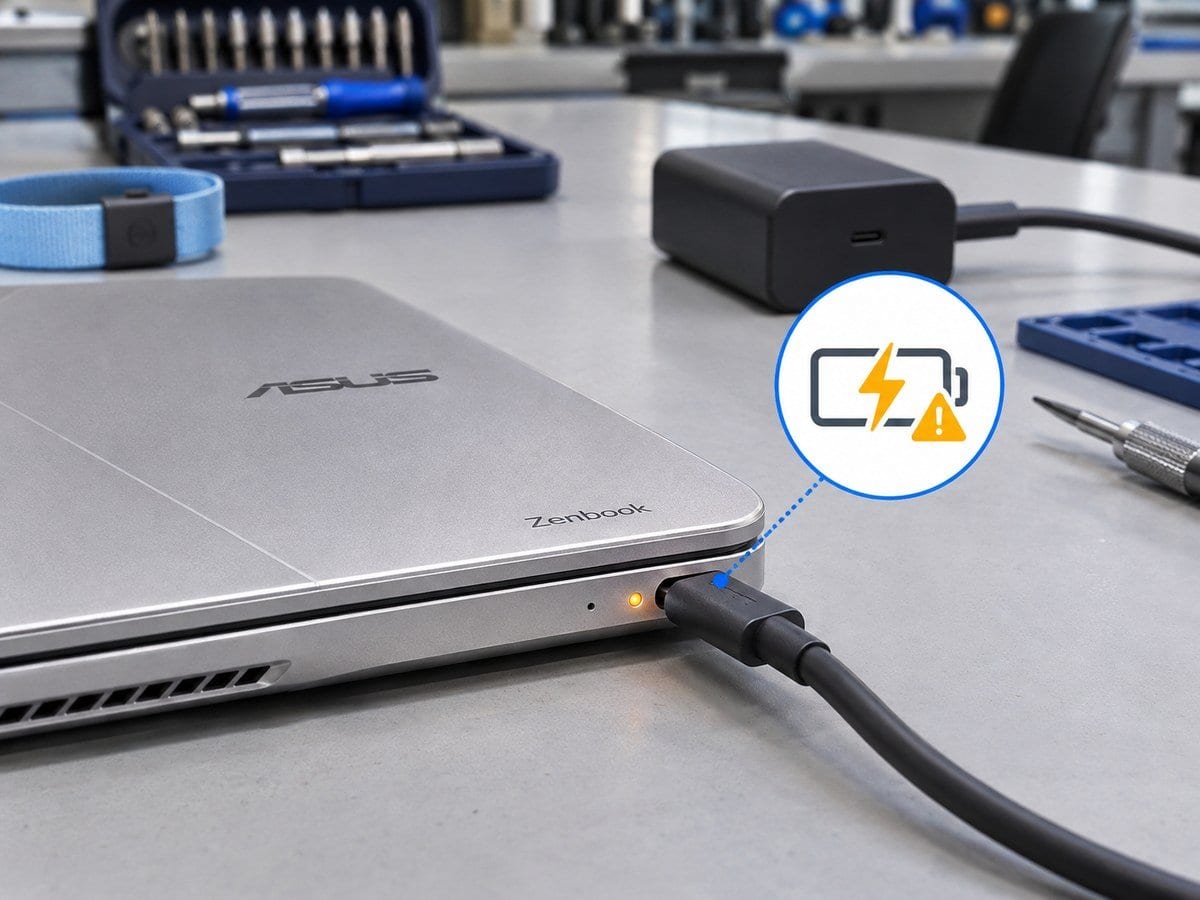
ASUS Laptop Not Charging & Charging Port Repair
by SafeTech
Assess ASUS charging faults, configured battery limits and supported DC-jack or USB-C power-input problems.
- Enterprise IT Support
- Certified Engineers
- On-site / Lab Service
- Service Tracking
- Starts from
- ৳1,200
- Service options
- Lab Service
- Service area
- Dhaka
- Turnaround
- 1–5 business days, estimated
Service Provider


About This Service
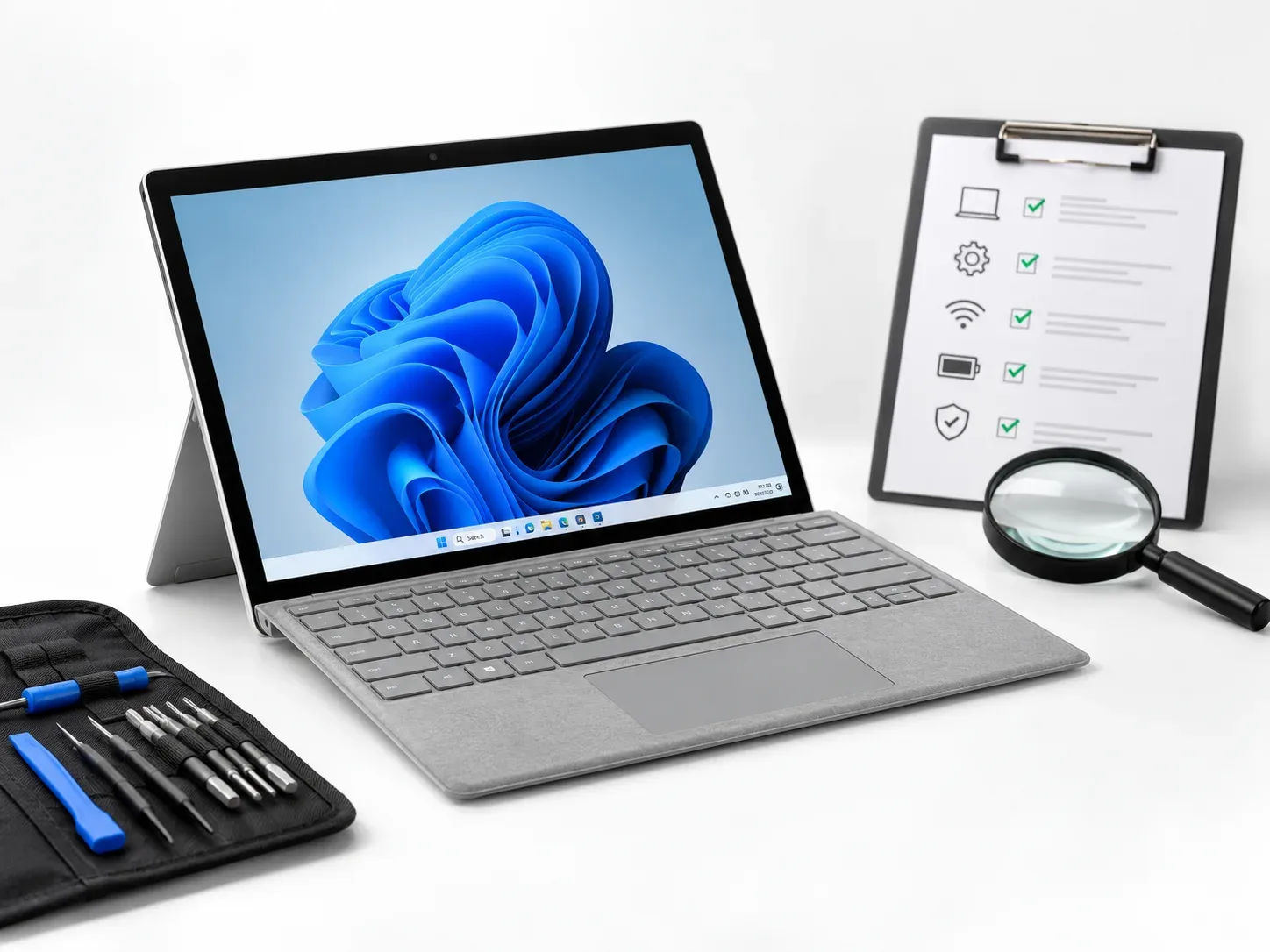
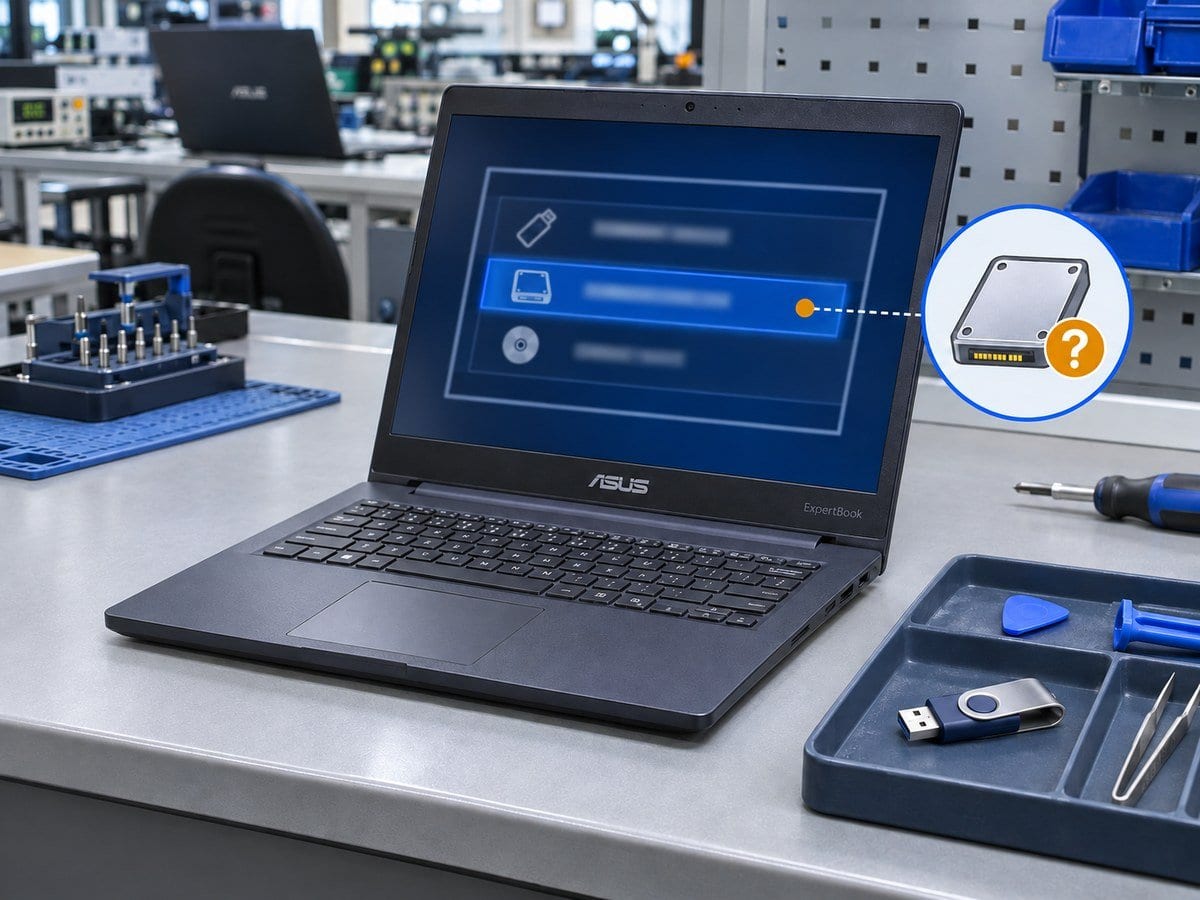
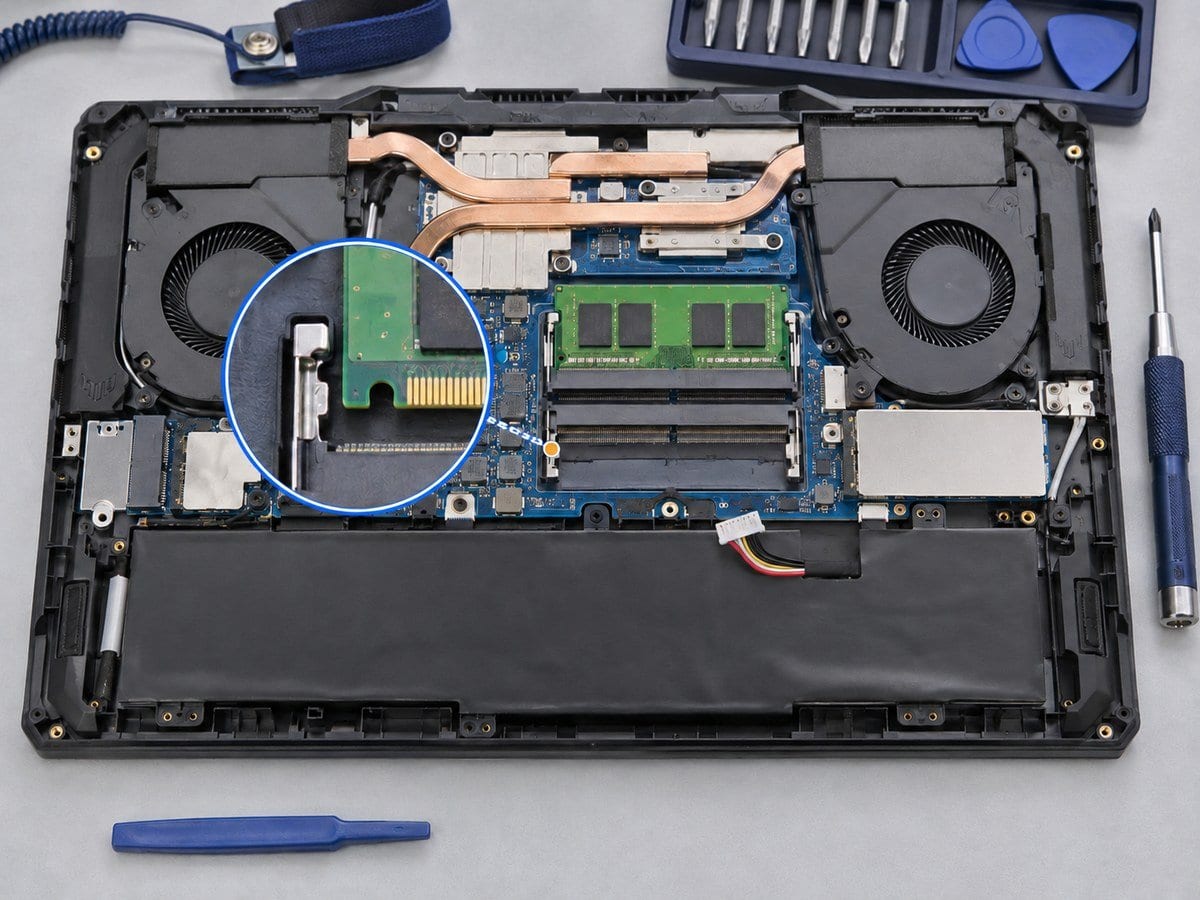
An ASUS laptop that does not charge fully may have a hardware fault or may simply be following an intentional charge limit. This service verifies the expected adapter specification and reviews battery condition, port behaviour and supported MyASUS battery settings. Battery Health Charging or Battery Care Mode can limit charging on applicable models; the available settings differ by generation. An intentional limit is not a reason to replace the battery. The technician separates a damaged adapter, cable or DC socket from a battery or charging-circuit fault. USB-C charging is checked against the exact port specification, suitable power delivery and cable capability rather than assumed from the connector. Approved configuration correction or connector work is followed by charging checks. Replacement adapter, battery, soldered port and internal circuit repair are itemised only when justified.
Before work starts, the exact model, service scope, labour charge and any required parts are confirmed in a written quotation. Repair or replacement proceeds after customer approval. Important files should be backed up where possible, and any formatting or data transfer requires an agreed scope. Completion time depends on the fault, model construction and parts availability. Send the full model code and serial number, symptoms and a clear photo of any error to request an assessment.
Service workflow
1. Check correct adapter, model-supported port and charging behaviour
2. Review supported Battery Care/Health Charging settings before diagnosing hardware failure
3. Apply approved correction or connector work; verify charge behaviour
Frequently asked questions
Q: Does charging stop at 60% or 80% always mean a faulty battery?
A: No. Supported ASUS charge-limit features can cause this intentionally. Check the exact model and settings before replacement.
Q: How is the final cost confirmed?
A: The exact model, findings, parts, labour and applicable warranty are itemised in a written quotation before repair approval.
Q: How do I book this service?
A: Send the ASUS full model code and serial number, symptoms, recent repair history and a photo or video of the error. Device acceptance and timing are confirmed by the service team.
Delivery and coverage
Lab Service. Dhaka; other locations and collection options subject to confirmation.
- Experienced Engineers
- Genuine & Compatible Spare Parts
- Repair Warranty on Eligible Parts
- Enterprise & Data Center Support Experience
Frequently Asked Questions
What's Included
Get a detailed report after the service.
- Approved accessible barrel-jack or jack-cable work and charging test
- parts excluded.
How It Works
Get your device serviced in simple steps
- 1Book ServiceTell us the issue
- 2Engineer DiagnosisOn-site or in our lab
- 3Get QuotationAfter assessment
- 4Approve & RepairWe fix the issue
- 5Track & ReceiveReal-time updates
On-Site Service
Our engineer visits your location to diagnose and repair your device.
Servicing24 Lab
Send or bring your device to our lab for advanced diagnosis and repair.
Supported Brands
- Dell
- HP
- HPE
- Lenovo
- Asus
- Acer
- Other Brands
From ৳ 1,200