ASUS Laptop Battery Replacement & Backup Issue
by SafeTech
Assess weak or swollen ASUS laptop batteries and arrange a model-matched replacement with a written quotation.
- Enterprise IT Support
- Certified Engineers
- On-site / Lab Service
- Service Tracking
- Starts from
- On assessment
- Service options
- Lab Service
- Service area
- Dhaka
- Turnaround
- 1–3 business days after stock confirmation, estimated
Service Provider


About This Service
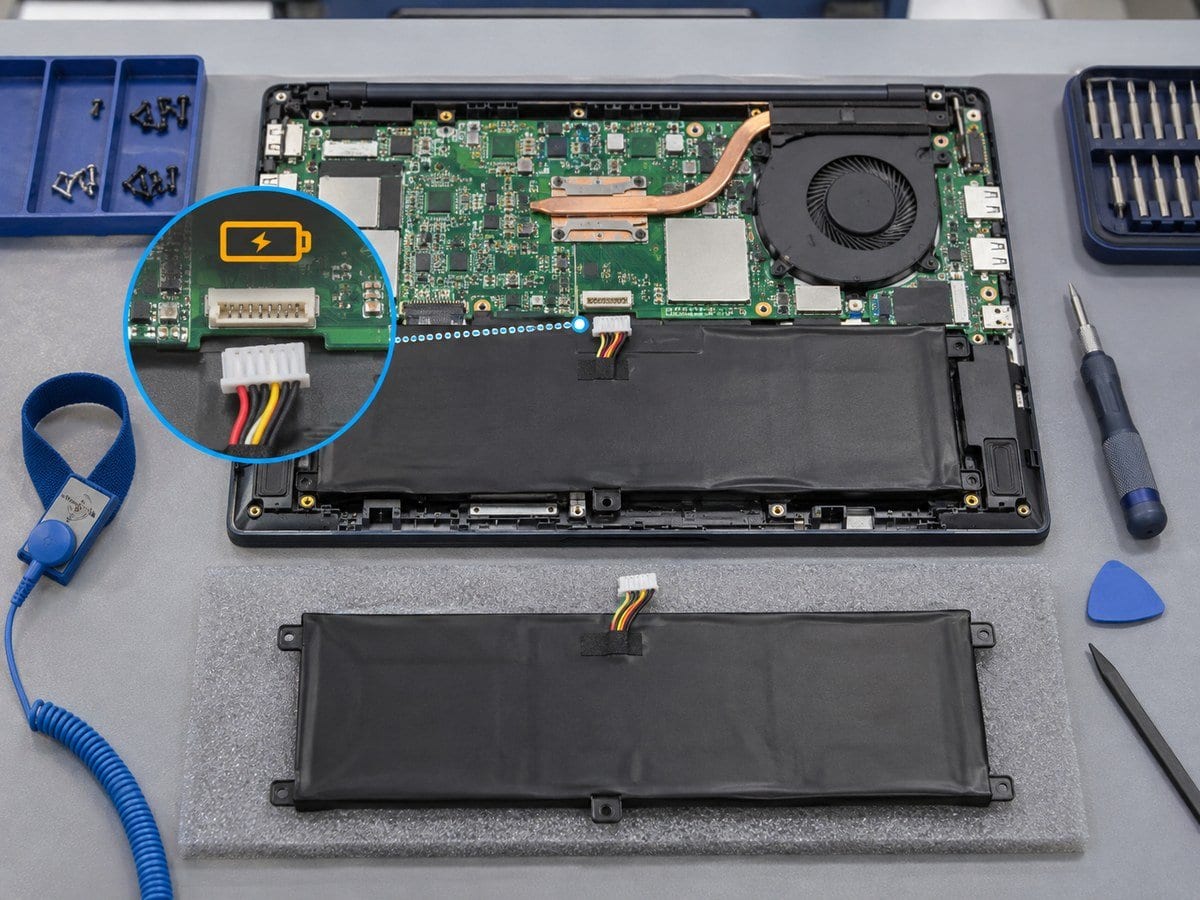
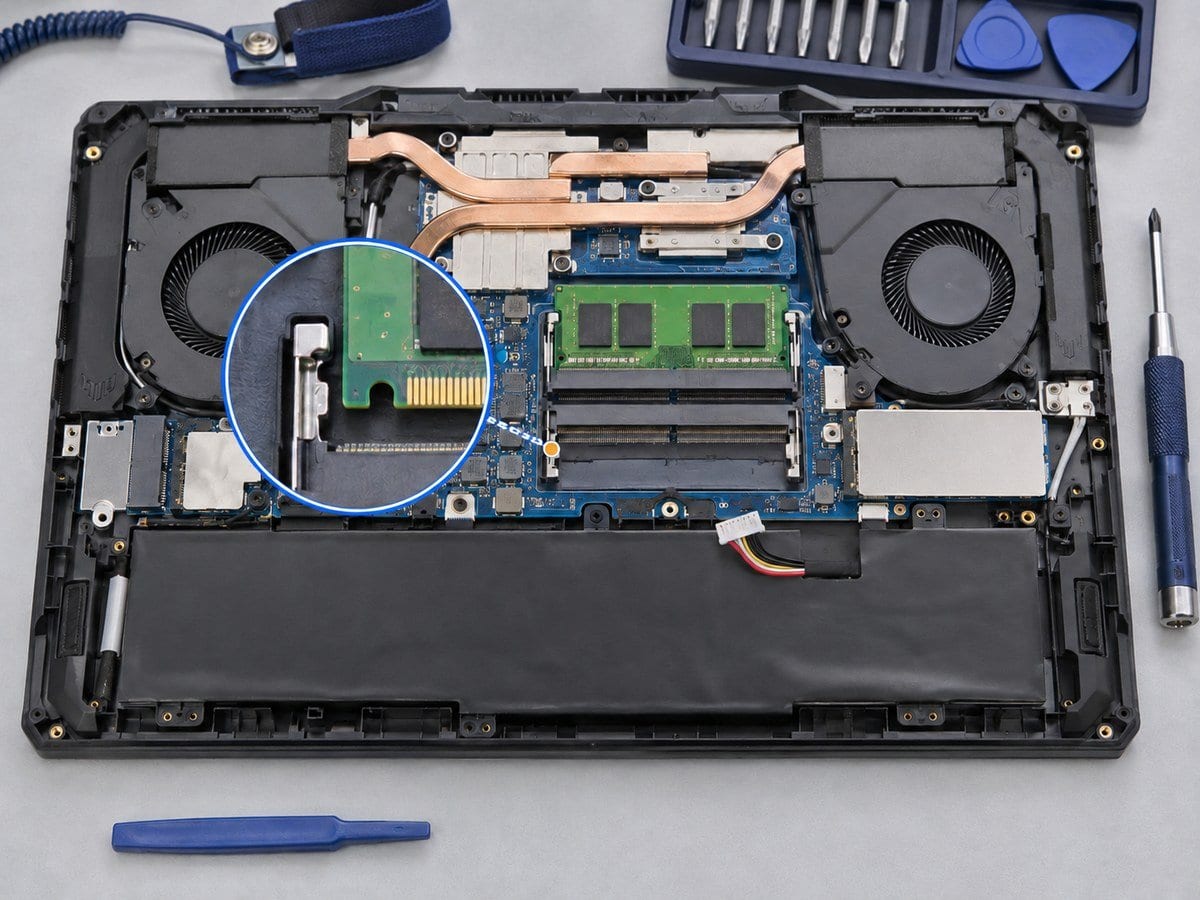
Short battery runtime, sudden shutdown on battery power and a battery warning require a battery and charging assessment. The service checks the installed battery identity, reported health, physical condition and configured charge limit and compatibility against the full model code and old battery label before sourcing a replacement. A low runtime can also be affected by workload or charging configuration, so a new battery is recommended only when the findings support it. If swelling is visible, stop using the notebook and disconnect AC power until it is assessed; affected chassis or touchpad parts may need separate work. Replacement choices are identified honestly as compatible third-party or genuine ASUS only when sourcing evidence supports that description. Battery voltage, connector, dimensions and part-number compatibility are checked, followed by installation and charging verification. Runtime is workload-dependent and is not guaranteed in hours.
Before work starts, the exact model, service scope, labour charge and any required parts are confirmed in a written quotation. Repair or replacement proceeds after customer approval. Important files should be backed up where possible, and any formatting or data transfer requires an agreed scope. Completion time depends on the fault, model construction and parts availability. Send the full model code and serial number, symptoms and a clear photo of any error to request an assessment.
Service workflow
1. Inspect swelling and record battery/charging condition
2. Match exact battery specification and disclose supplier/condition
3. Fit approved battery and verify detection and charge/discharge behaviour
Frequently asked questions
Q: Is an ASUS-compatible battery automatically genuine ASUS?
A: No. Compatibility and brand authenticity are different. The quotation should identify which product is supplied.
Q: How is the final cost confirmed?
A: The exact model, findings, parts, labour and applicable warranty are itemised in a written quotation before repair approval.
Q: How do I book this service?
A: Send the ASUS full model code and serial number, symptoms, recent repair history and a photo or video of the error. Device acceptance and timing are confirmed by the service team.
Delivery and coverage
Lab Service. Dhaka; other locations and collection options subject to confirmation.
- Experienced Engineers
- Genuine & Compatible Spare Parts
- Repair Warranty on Eligible Parts
- Enterprise & Data Center Support Experience
Frequently Asked Questions
What's Included
Get a detailed report after the service.
- Compatible third-party battery, fitting and tests
- supplier and warranty identified in quote.
How It Works
Get your device serviced in simple steps
- 1Book ServiceTell us the issue
- 2Engineer DiagnosisOn-site or in our lab
- 3Get QuotationAfter assessment
- 4Approve & RepairWe fix the issue
- 5Track & ReceiveReal-time updates
On-Site Service
Our engineer visits your location to diagnose and repair your device.
Servicing24 Lab
Send or bring your device to our lab for advanced diagnosis and repair.
Supported Brands
- Dell
- HP
- HPE
- Lenovo
- Asus
- Acer
- Other Brands